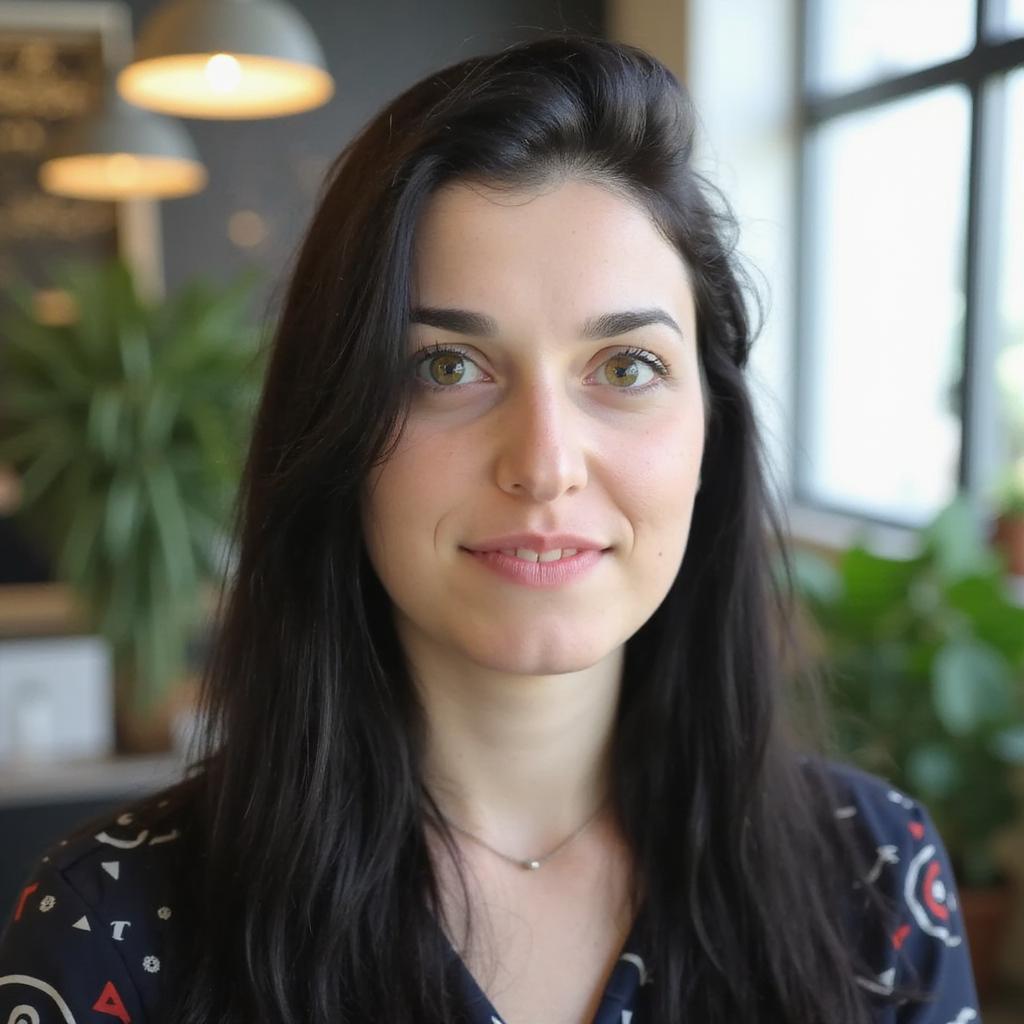
AI video character consistency across multiple clips is the difference between a recurring series and five beautiful shots that feel like five different people. In 2026, the best models are much better at references, ingredients, and world consistency, but a prompt alone still is not a production system.
Use this guide to keep one character recognizable from clip to clip: lock the reference, separate identity from action, approve storyboards before animation, and use continuity controls such as first-last frames. I will use Videotok’s AI video workflow and image-to-video as the product example because this problem is easier when characters, brand style, scripts, visuals, editing, and publishing live in one creative operating system.
The quick answer for 2026
To keep the same AI character across scenes, treat the first approved image as the source of truth. Reuse it in every scene brief, storyboard frame, animation prompt, and transition decision. If a shot drifts, do not keep regenerating blindly. Go back to the reference and tighten the inputs.
The practical rule: text describes the scene, but references preserve identity. The strongest workflow combines a saved character, a consistent visual style, short controlled clips, and continuity frames between shots.
Reference lock: one approved hero image, character profile, or avatar that defines face, outfit, body proportions, and mood.
Style lock: a fixed palette, lighting language, camera feel, and brand system.
Scene lock: a shot list where each clip has one clear job.
Motion lock: animation prompts that change movement without rewriting identity.
Continuity lock: first-last frames, last-frame extraction, or storyboard stills that bridge clips.
Videotok workflow options for planning consistent AI video characters across clips
Why AI video characters drift between clips
Character drift happens because many AI video generations start from a loose instruction instead of a persistent production memory. “A founder in a red jacket” could mean thousands of faces, hairlines, proportions, and wardrobe details. When the next prompt changes the scene, the model often rebuilds the person instead of continuing the same performance.
That is why the current search intent has become more specific. Creators are asking whether AI video models can maintain character consistency across multiple clips, how to use reference images, and how to keep scenes continuous for TikTok, Reels, Shorts, ads, and episodic content.
What changed in current AI video models
The direction is clear: newer video systems increasingly support visual references, reusable characters, ingredients, scene memory, or world consistency. Those features help, but they do not remove the need for human production judgment. You still need to decide which traits are permanent, which variables can change, and where each clip should cut.
Do not ask the model to invent and remember at the same time. Create or approve the character first, then ask the model to animate that character inside a controlled scene.
Reusable AI character profile used as the source of truth for video scenes
A practical workflow for consistency across clips
The safest workflow looks closer to a small production pipeline than a one-shot prompt. You create the character, define the world, approve still frames, animate short clips, then review continuity before exporting the final sequence.
Create the character before the video
Start with the character as its own asset. Give it a name, role, face shape, hairstyle, outfit, age range, posture, and personality. If you are making recurring presenter-led content, AI avatars can also act as the identity anchor. Keep temporary scene details out of the core character description.
Add a brand style so every scene shares a visual language
A character can feel inconsistent even when the face stays close if the lighting, palette, lens, and texture change every time. Before generating the sequence, define the style layer. In Videotok, brand setup helps keep colors, mood, and visual rules attached to the creative system instead of buried in separate prompts.
Videotok brand style setup for consistent AI video scenes and recurring characters
Storyboard before you animate
The storyboard is the checkpoint where drift becomes visible while it is still cheap to fix. Review the still frames first. If the face, outfit, or world changes in the board, animation will usually make the problem more obvious. Rework the reference, prompt, or style before spending credits on motion.
Videotok storyboard frames for checking character consistency before animation
Animate short clips with strict movement prompts
Once the stills are approved, animate with restraint. Ask for one performance beat or one camera move at a time: a slow push-in, a turn toward camera, a hand gesture, a walk through the frame. Avoid introducing new clothes, ages, art styles, or emotional extremes unless the story needs them.
For longer sequences, use first-last frames or last-frame extraction to carry continuity from one clip into the next. This matters most when a character crosses a cut, changes location, or appears in a multi-scene ad.
First-last frame control for smoother AI video continuity between clips
Prompt framework for multi-shot AI video
A useful consistency prompt separates permanent identity from temporary action. The identity block should remain almost unchanged across shots. The action, camera, and environment can change, but only enough to serve the next beat. If the script is not settled yet, use a script generator to clarify the hook and scene beats before you animate.
Weak prompt: “A girl in the forest finds a puma and looks surprised.”
Stronger prompt: “Same 12-year-old protagonist from the reference image, round glasses, colorful jacket, shoulder-length dark hair, 3D animated style. Forest clearing at golden hour. She turns slowly toward a puma off camera, surprised but calm. Keep face, outfit, proportions, and color palette unchanged.”
Keep these details unchanged
Face shape, hairstyle, outfit, body proportions, age range, signature accessories, color palette, and core style should stay fixed unless the story has a deliberate transformation. If you rewrite those details every time, the model will treat each clip as a new casting decision.
Change these details per shot
Change the action, framing, camera movement, location, expression, and hook. For social content, this is where performance strategy enters the workflow. The opening beat still needs to earn attention, so pair the continuity system with AI video hooks that make creative perform instead of making the character carry the whole ad alone.
Use automation when speed matters, and the manual editor when precision matters. Automation is right for simple stories, recurring social posts, product explainers, and fast creative variants. A manual editor is better for complex storyboards, exact cut points, multi-location sequences, and ad creatives where continuity affects trust.
Videotok AI video story workflow with character and style selections for repeatable content
FAQ about AI video character consistency
Can AI video models maintain character consistency across multiple clips?
Yes, but not reliably from text alone. The best results come from reference images, saved character profiles, approved storyboards, and continuity frames between clips. Treat the model as part of the production pipeline, not the entire pipeline.
What is the best way to make the same character appear in every scene?
Start with one approved character image or profile and reuse it as the reference for every scene. Keep face, outfit, proportions, age, and style constant. Change only the action, camera, or setting needed for that shot.
Does this workflow work for UGC ads and avatar content?
Yes. Recurring spokespersons, avatar-led explainers, and product demos all benefit from consistency because viewers trust a sequence more when the presenter does not drift. If the campaign is UGC-focused, connect this workflow with the AI UGC ads workflow so the character, script, proof points, and editing rhythm support the same conversion goal.
Should I regenerate until the character looks perfect?
No. Endless regeneration usually hides the real problem: weak inputs. Fix the character reference, style rules, storyboard, and continuity frame first. Then regenerate a small number of controlled variations and choose the best match.
The professional rule: do not chase perfect consistency clip by clip. Build a system: character, style, storyboard, animation, transition, review. That is how creative teams reduce drift without flattening the performance of the video.
Want to turn one approved character into a repeatable short-form series? Start with the character and brand style, then use an AI video agent workflow to build the scenes around that source of truth.