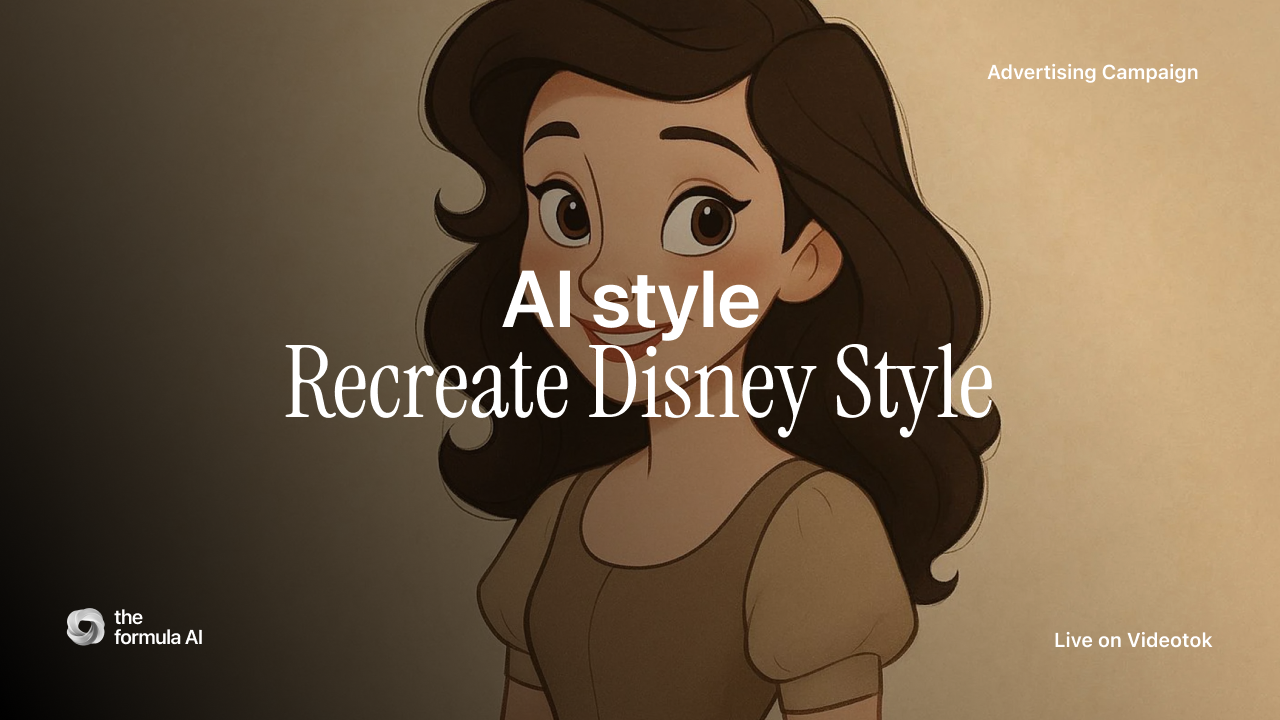
What if you could create Disney-quality animated ads without a $200 million budget or a team of animators?
That's not a hypothetical anymore. AI video tools have reached a point where solo creators and small agencies can produce Disney style ads with consistent characters, solid storytelling, and polished animations all from a text prompt.
Here's my complete process for creating AI ads that capture that iconic Disney aesthetic.
Why Disney Style Works for Ads
Disney has spent nearly a century perfecting visual storytelling. Their formula (relatable characters, emotional arcs, magical moments) drives engagement like nothing else. And honestly, it's hard to argue with a century of proof.
Research from the Harvard Business Review found that emotionally connected customers are 52% more valuable in terms of revenue and profitability than highly satisfied customers. Disney style taps directly into that emotional connection.
For social media ads, this matters even more. TikTok and Instagram Reels reward content that stops the scroll. Animated characters with expressive faces and fluid motion do exactly that.
AI tools collapse this entire pipeline into minutes.
My setup for Disney-Style Content
The first think is to set your Videotok account. The platform has three features that matter for Disney style ads.
Consistent characters: you can use the same character across multiple scenes and ads;
Animated images that give static images motion and life;
Voice cloning for unique character voices that stay consistent.
Most AI video tools generate one-off visuals. You can't maintain character consistency across a campaign. Videotok solves this with saved character profiles that persist across projects.
Step 1: Crafting the right prompt
The prompt is everything. Disney style has specific visual markers that AI needs to understand.
Here's my prompt framework:
[Character description] in Disney Pixar animation style, [action/emotion], [setting], soft lighting, expressive eyes, rounded features, vibrant colors
Example prompt:
A curious young fox with big amber eyes in Disney Pixar animation style,discovering a glowing treasure chest in an enchanted forest, soft golden lighting, expressive face showing wonder, rounded features, vibrant autumn colors
Nano Banana Result:
A fox in the forest
The elements that trigger Disney aesthetics: "Disney Pixar animation style" as a direct style reference, "expressive eyes" because that's Disney's signature emotional anchor, "rounded features" for that soft approachable character design, and "soft lighting" for the magical glow Disney uses.
Avoid prompts that are too generic. "Cute cartoon animal" won't give you Disney. You need specificity.
Step 2: create your storyboard
Videotok has a great feature for character consistency that works across both its automated and manual workflows.
If you choose the fully automated workflow, keeping your character consistent throughout the entire story is straightforward:
just create an AI avatar of your character and
select it when setting up your story.
Videotok handles the rest, generating scenes where your character maintains the same look from start to finish.
If you prefer a manual workflow where you build your video ad scene by scene, you can achieve great results in two ways:
Use the storyboarding feature: simply describe the plot you want to create, and the AI will generate all the scenes with your character staying consistent throughout. This is ideal when you have a clear narrative arc and want to produce multiple scenes at once.
Videotok's professional editor
Videotok Storyboard Feature
Build scene by scene :select an existing image of your character and ask the AI to place them into a new scene. This gives you more control over each individual frame and works well when you want to fine-tune specific moments or test different settings for the same character.
Step 3: structuring your story arc
Disney doesn't just create pretty visuals. They tell stories with emotional beats.
For short-form ads (15-60 seconds), I use a compressed three-act structure.
Act 1 (3-5 seconds) hooks with a problem or question.
Act 2 (7-15 seconds) shows the journey or transformation.
Act 3 (5-7 seconds) delivers the resolution with product and CTA.
Videotok Disney Story
In Videotok, I structure this using the hook and CTA saving features.
I create reusable hooks like:
"Ever feel like [problem]?" or "[Character name] had a problem..." or "What if [magical possibility]?"
And matching CTAs:
"Discover the magic at [brand]" or "[Character name] found the answer. You can too." or "Your adventure starts here."
Step 4: adding motion and life
Static images don't feel like Disney. The magic is in the movement.
In videotok you have two ways:
fully automated cretion workflow: AI will create the full story with an automatic workflow
start from scratch: in this case you case create the story frame by frame
If you chhose to create the video ads frame by frame, to get the most Disney-like results, think about motion before you generate your image. Craft prompts that imply movement: "character leaning forward with anticipation" or "eyes widening in surprise." The AI image will capture that mid-motion energy, and when Videotok adds animation on top, the result feels more dynamic and expressive.
Videotok Storyboard feature
If you want to push it further, study Disney's 12 Principles of Animation especially anticipation (that small preparatory motion before any major action) and squash and stretch (so characters feel organic rather than rigid). You won't replicate these fully with AI-generated motion yet, but designing your prompts with these principles in mind makes a noticeable difference in the final output.
Step 5: voice and sound design
Disney characters have iconic voices. Your AI ads should too.
Here's how I use the voice cloning features on Videotok: record a 30-second sample of the voice style you want, upload and train the voice clone, then assign voices to characters in your library.
For Disney style, I aim for voices that are slightly higher pitched than natural speech, more expressive in emotional range, and have clear enunciation (important for short-form content).
The AI narration generates scripts automatically from your prompts, but I usually edit these for better emotional beats.
Write your script with parenthetical emotions: "Felix looked at the treasure chest (wonder building) and slowly reached out his paw (nervous excitement)."
Step 6: A/B testing at scale
One Disney style ad isn't enough. You need variations to find what resonates.
This is where AI ads actually outperform traditional production. In the time it takes to create one animated ad manually, Videotok can generate 10+ variations.
My testing framework covers hooks (3 different opening lines), character emotion (happy vs. curious vs. determined), color palette (warm vs. cool tones), and CTA style (direct vs. story-based).
Videotok Storyboard feature
For a recent campaign, I generated 12 variations in under an hour. The winning combination (curious emotion, warm colors, story-based CTA) outperformed the others by 47% in engagement rate.
Without AI, this level of testing would cost thousands in production.
Common mistakes to avoid
After creating dozens of Disney style AI ads, here's what doesn't work:
Over-prompting confuses the AI. Stick to “Disney Pixar style” rather than "Disney Pixar Dreamworks Illumination style."
Ignoring aspect ratios will hurt you. TikTok and Reels need 9:16. YouTube Shorts need 9:16. Don't create in 16:9 and crop later: you'll lose important visual elements.
Skipping the story makes beautiful characters feel like stock footage. Always have a beginning, middle, and end.
Inconsistent branding is a missed opportunity. If your brand uses specific colors, incorporate them into character design. The fox's scarf can match your brand orange.
What this means for creators and agencies
The barrier to Disney-quality animated content has collapsed. I'm still a little surprised by how fast this happened.
For solo creators, this means competing with larger brands on visual quality. For agencies, this means scaling animated ad production 10x without hiring animators.
The tools aren't perfect yet. You'll occasionally get weird artifacts or inconsistent generations. But the trajectory is clear: AI-generated animated content is getting harder to distinguish from professional production.
The creators who master Disney style AI ads today will have a real advantage as these tools improve.
Next Steps
Creating Disney style ads with AI isn't about replacing creativity, it's about removing production barriers so creativity can flow faster.
Start with one character. One story. One 15-second ad. See what resonates with your audience, then iterate.
Want to share your Disney style AI ad experiments? Drop them in the comments or tag us on X (Twitter)