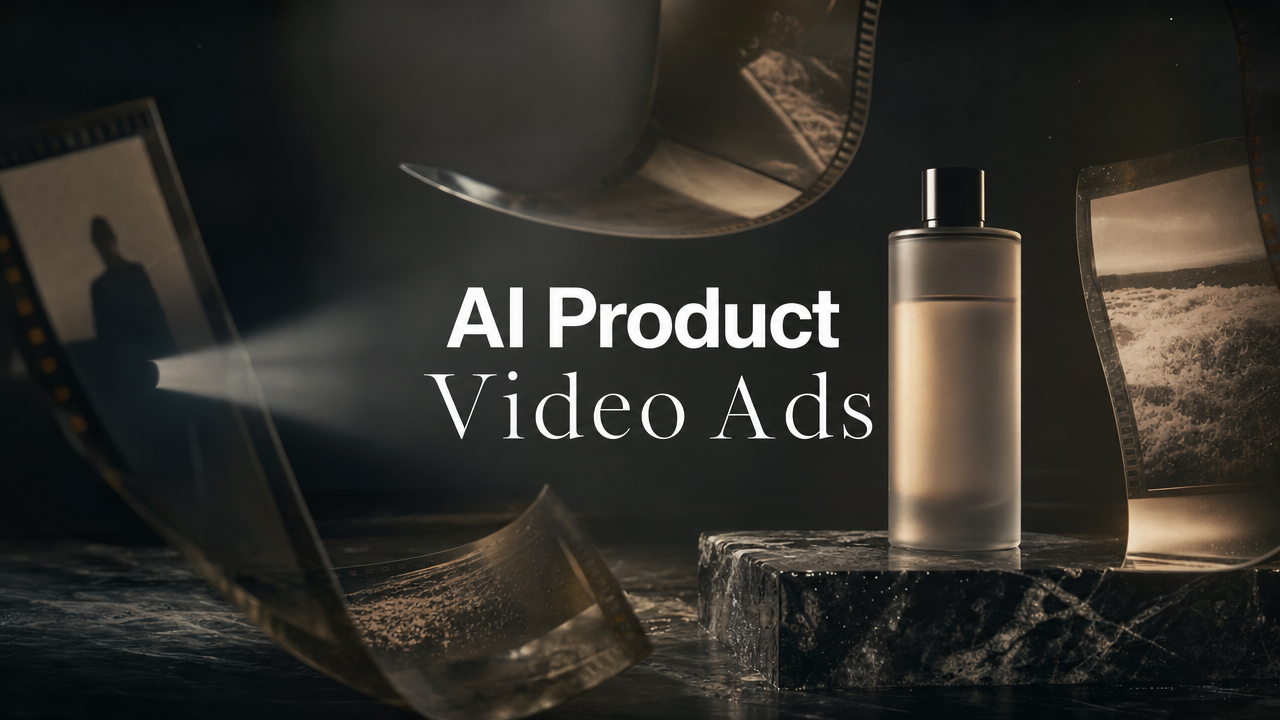
An AI product video ads workflow should not start with a blank prompt. It should start with one useful product asset: a packshot, PDP image, founder photo, demo frame, or product-in-context shot that already carries the brand's taste. From there, the job is not to make one pretty clip. The job is to turn a static image into a controlled set of short product ads with different hooks, scenes, proof points, formats, and approvals.
That matters because social ad teams rarely need one more random AI video. They need a production system that can test product angles quickly without losing the product truth. In this guide, you will get a practical one-image workflow for TikTok, Reels, Shorts, UGC-style ads, ecommerce launches, and creative testing. The output is a repeatable ad stack: hook, scene plan, motion prompt, voiceover, brand check, variant map, and performance notes.
One image product ad stack
Start with the product image, not the model
The source image decides more than the AI model. A clean product photo can become a cinematic hero shot, a quick feature demo, a lifestyle loop, a founder-style explainer, or a UGC-style proof clip. A weak image can still become motion, but it will usually produce generic motion.
For ecommerce and performance teams, the best source images have three things: the product is easy to recognize, the setting implies a use case, and the frame has enough negative space for movement. A bottle floating in perfect white space can work for a hero ad. A messy screenshot can work for a SaaS explainer. A hand holding the product can work for UGC-style creative.
The mistake is asking the AI to invent the whole ad. Use the image as the anchor, then make the AI vary the ad around it.
Choose the image by ad job
Pick the image based on what the ad needs to prove.
AI jewelry ads workflow for ecommerce teams to turn product photos into polished ad variants, test hooks, protect detail, and publish faster with Videotok.
Use a packshot when the campaign needs product recall.
Use a lifestyle image when the campaign needs context or desire.
Use a demo frame when the campaign needs comprehension.
Use a before-and-after frame when the campaign needs contrast.
Use a founder or creator frame when the campaign needs trust.
If the product is physical, a single clean image can feed several short ads with different motion directions. If the product is digital, start from a sanitized product screenshot, product page frame, or interface moment that explains the value without exposing private data.
Remove everything the ad does not need
Before generating, crop the image to the real ad subject. Remove background clutter, unreadable small text, extra packaging angles, or competing props. Social video has no patience for visual ambiguity.
Think of the image as a casting decision. If the viewer cannot understand what the product is in the first second, the AI will not fix the ad. It will only animate the confusion.
Build the one-image ad stack
A strong AI product video workflow has six layers. Keep them separate so the team can test one creative variable at a time.
The stack is: product image, audience tension, hook, scene motion, proof point, and CTA. If you change all six at once, you are producing content. If you change one or two at a time, you are producing learnings.
This is where an AI creative operating system matters. In Videotok, teams can move from image-led production into scripts, hooks, image-to-video, UGC-style variants, and brand rules instead of treating each generation as an isolated file.
Write the hook before the motion prompt
The hook decides the first frame, the voiceover, and the cut rhythm. TikTok's creative best practices say ad recall impact is heavily concentrated in the opening seconds, and TikTok Creative Center is built around learning from top-performing ads and trends. That is a useful reminder: the first motion should serve the hook, not just show movement.
Use a hook generator for more angles, then cut the list down to hooks that create a real reason to watch.
Examples:
Problem hook: "Your product photo is doing too much work alone."
Outcome hook: "Turn this one image into five ad angles."
Proof hook: "The ad starts before the product moves."
Turn the hook into scenes
Do not prompt for "a viral product ad." Prompt for scenes. Short product ads usually need four beats:
Beat 1: pattern interrupt with the product visible.
Beat 2: product context or problem frame.
Beat 3: feature, use case, or proof moment.
Beat 4: CTA or next-step cue.
For a skincare product, that might be a macro texture shot, a bathroom shelf moment, a quick application cutaway, and a final product close. For a SaaS product, it might be a messy workflow, a clean interface moment, an automated result, and a trial CTA.
Keep the motion prompt specific
A good image-to-video prompt gives the model one main action, one camera behavior, and one mood. It should not ask for ten transitions, a new set, three characters, and a full product demonstration.
Use this pattern: animate the product image into a 6-second vertical social ad, keep the product shape accurate, add one slow camera push-in, use subtle realistic light movement, and avoid adding text, logos, extra packaging, or new claims.
To turn a product image into motion, use image to video. If the source is a PDP, article, or offer page, use link to video to pull the message into a first draft, then edit the ad around one product promise.
Create variants without losing control
The promise of AI product ads is speed. The risk is chaos. A team can make 30 variations in an afternoon and learn nothing if every variation changes the audience, hook, product angle, voiceover, background, and CTA together.
Use a small testing grid. Start with one product image and create three hook angles, three scene directions, and two CTAs. That gives you 18 possible versions, but you do not need to launch all 18. Pick the six that test the clearest difference.
Use the 3 x 3 product ad grid
Start with three hooks:
Pain-aware: the problem the viewer already feels.
Product-aware: the product benefit shown plainly.
Moment-aware: the use case or occasion.
Then pair them with three scene directions:
Hero motion: product close-up, light, texture, camera move.
Use-case motion: product appears in the real-life context.
UGC motion: creator-style framing, voiceover, product proof.
This creates a controlled batch. The hook changes, the visual job changes, but the product image and campaign promise stay stable.
Add UGC-style variants carefully
UGC-style product ads can work because they feel closer to how people discover products in feed. But do not fake customer experience. If an AI avatar or synthetic voice is used, keep claims sourced and FTC disclosure guidance in mind.
Use UGC videos when the product needs a person-like explanation, multiple avatar angles, or fast testimonial-style structures. Keep the script honest: explain the product, show the use case, and avoid implying a real customer used it unless that is true and approved.
Localize the same creative idea
One image can also become localized ad variants. Keep the product shot and scene structure stable, then adapt voiceover, caption language, CTA, and cultural context. Google's Shorts ads guidance recommends social-first creative that feels native to the feed, and the same idea applies across Reels and TikTok: localization is not just translation; it is platform and market fit.
For brands working across markets, this is where brand rules matter. The AI should know the tone, forbidden claims, CTA style, and category codes before it starts producing variants.
Product ad variant room
Approve the ad before you scale it
Product video ads carry more risk than casual content. They can imply product performance, customer results, ingredient claims, pricing, warranties, or endorsements. The faster the workflow gets, the more important the approval pass becomes.
Use a simple approval scorecard before publishing or sending the batch into paid social.
The product ad scorecard
Score every variant against five questions:
Product truth: does the video show what the product actually is and does?
Claim proof: are results, comparisons, or savings backed by approved material?
Brand fit: does the look, pacing, language, and CTA feel like the brand?
Platform fit: does the video work for TikTok, Reels, Shorts, or ads placement?
Synthetic media: does the asset need an AI, altered-content, or ad disclosure?
Meta says Advantage+ creative tools can enhance images or videos in Ads Manager and catalog ads, while YouTube and TikTok both publish guidance around social-first video and synthetic or altered media. The practical rule is simple: if AI changes what a viewer could reasonably believe is real, check disclosure before launch.
Keep approvals close to the creative file
Do not approve product ads in a separate spreadsheet nobody opens. Keep the hook, source image, motion prompt, claim note, market, version, and reviewer decision together.
A clean naming convention helps: campaign, product, hook, format, market, date, and version. For example: `serum_painhook_ugc_es_0527_v03`. That file name is not glamorous, but it saves real time when a winning hook needs ten more variants.
Read performance like a creative strategist
The goal is not to prove that AI can make video. The goal is to find which product message deserves more spend.
After launch, review performance by creative decision, not by file alone. Compare hooks against hooks. Compare product contexts against product contexts. Compare UGC-style variants against hero-motion variants. If the winning ad has a stronger problem frame, feed that problem frame into the next batch.
Watch early signals first
For short product ads, useful early signals include thumb-stop rate, three-second view rate, hold rate, click-through rate, saves, comments, and cost per landing-page view. The right signal depends on the campaign goal, but the first lesson is usually creative: did the opening earn attention, and did the product become clear fast enough?
Pair this with an AI creative testing workflow so every winning pattern becomes a reusable prompt, reference, or script block.
Turn winners into a reference library
When a one-image ad wins, save more than the final export. Save the source image, hook, prompt, script, caption, CTA, platform, placement, and performance note. That turns one result into a reference your next batch can actually use.
The strongest AI ad teams will not be the teams that generate the most clips. They will be the teams that build the best memory of why a clip worked.
Conclusion
AI product video ads work best when one image becomes a disciplined creative system, not a one-off generation. Start with a strong product image, write the hook first, prompt one motion idea at a time, create controlled variants, approve claims, and feed the winning patterns back into the next batch.
If you want the full workflow inside one production system, start with Videotok image to video, then connect hooks, scripts, UGC-style variants, brand rules, and testing notes around the product asset.
AI jewelry ads workflow for ecommerce teams to turn product photos into polished ad variants, test hooks, protect detail, and publish faster with Videotok.