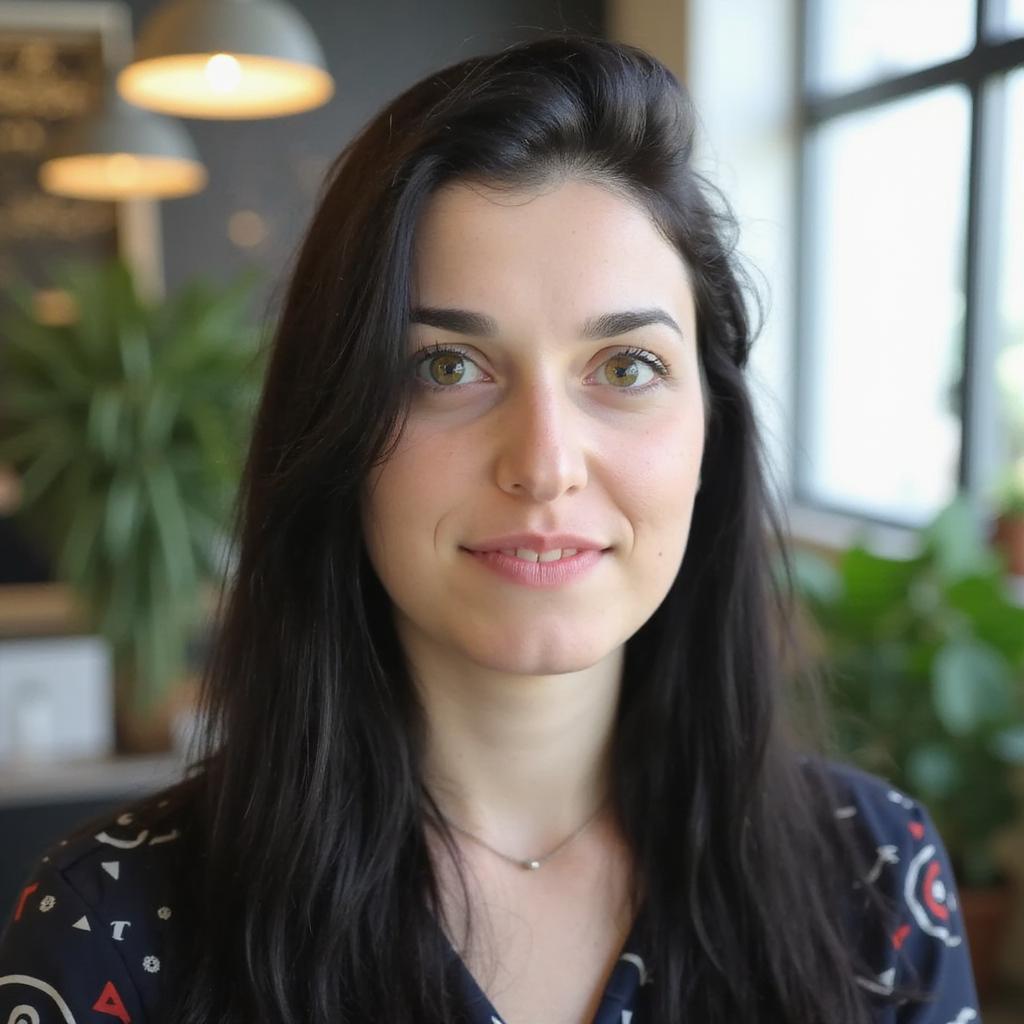
What if you could create professional video content without ever stepping in front of a camera?
That's what custom AI avatars promise. After spending weeks testing the best workflows to develop our algorithm on videotok, I can tell you the technology has gotten really good.
AI avatars are computer-generated figures that appear in videos with realistic talking motion and lip-sync. They're showing up everywhere: YouTube automation, e-learning courses, UGC-style marketing ads.
Here's my exact process for creating custom AI avatars that look professional and stay consistent across multiple content pieces.
What are AI avatars?
AI avatars are digital representations created using artificial intelligence. These characters can mimic human expressions, speech patterns, and movements to present information in a friendly and relatable manner.
They are designed to appear natural on screen and provide viewers with a recognizable face or figure even when no human is present.
For digital content creators, AI avatars offer an effective way to present complex ideas simply or add a signature style to presentations and social posts. Whether used to explain a product, share a tutorial, or simply add visual interest, a custom AI avatar brings your content a personal and consistent look.
Why custom avatars beat stock options
Before the how-to, an obvious question: why create a custom avatar when platforms offer hundreds of pre-made ones?
Les publicités UGC coûtent entre 150 et 500 $ par vidéo avec des créateurs. L'UGC par IA ? Moins de 20 $. Consultez le comparatif complet des tarifs 2026 et découvrez quelle option est la plus pertinente pour votre marque.
Les publicités UGC coûtent entre 150 et 500 $ par vidéo avec des créateurs. L'UGC par IA ? Moins de 20 $. Consultez le comparatif complet des tarifs 2026 et découvrez quelle option est la plus pertinente pour votre marque.
Brand consistency. A custom avatar becomes your visual identity across all content.
Differentiation. Your audience won't see the same face on five other channels.
Flexibility. Custom avatars can be trained for different poses, angles, and environments.
Wyzowl's 2026 State of Video Marketing report found that 63% of video marketers now use AI tools for video creation or editing — up from 51% the year before. But the real advantage comes when that avatar is uniquely yours.
The three creation methods
Videotok has three paths to creating your custom avatar. Each fits different needs.
Method 1: Start from scratch with descriptions
The most flexible option. Describe your ideal avatar in detail, and the AI generates it.
Videotok.app AI Avatars dashboard showing the Create new avatar modal with Generate and Upload Image options, alongside a library of custom AI avatars for video creation
My process:
Name your avatar something memorable
Write a detailed appearance description (age, ethnicity, hair, clothing, expression)
Generate and review
Specificity matters. "Professional woman" gives you generic results. "35-year-old woman with shoulder-length dark hair, wearing a navy blazer, warm smile, studio lighting" gives you something usable.
Videotok.app Generate from prompt screen — creating a professional female avatar with a text description, reference image uploads, and UGC template options in 9:16 format
Method 2: Use character templates
Short on time or creative energy? Templates work. Videotok has 1000+ customizable avatars across 30+ languages.
Pick a template close to what you want, then modify the details. Faster than starting from zero while still allowing personalization.
Videotok.app media library and Avatar library panel showing custom and default AI avatars, with a text-to-image generator powered by Grok Imagine at the bottom
Method 3: Upload your own image
This is where things get interesting for personal brands. Upload a photo of yourself (or someone who has given permission), and the platform creates an AI avatar based on that image.
Videotok.app Create new avatar modal with the Upload Image option selected transform any photo into a talking AI avatar for video creation
⚠ Only use images of yourself or images you have explicit rights to use. AI avatar creation raises legitimate ethical considerations that shouldn't be ignored. As providers of this technology, we encourage you to exercise the utmost care and fully respect the image rights of real individuals.
Simply upload an image and add your avatar's name. Remember to select the image aspect ratio (16:9 - 9:16)
Videotok.app Upload image screen — drag and drop or select a photo to turn it into a custom AI avatar in 9:16 format, with a max file size of 50MB
How to edit an avatar
If you want to edit an avatar you've already created whether its appearance or background setting, simply:
Click "Edit"
Enter a description of the changes you'd like to make, or upload a reference image
Videotok.app avatar edit screen for 'Lidia' — describe changes via text prompt or upload a reference image to modify the avatar's appearance or background
My step-by-step creation workflow
Here's the exact process I use to create avatars that actually look professional.
Step 1: Define the avatar's purpose
Before touching any tools, I answer these questions:
What type of content will this avatar appear in?
What emotion should the avatar convey?
What's the target platform (vertical for TikTok/Reels, horizontal for YouTube)?
This prevents the common mistake of creating an avatar that doesn't fit your content style.
Step 2: Write the appearance description
I use a template structure:
Age: [specific number]
Gender presentation: [details]
Ethnicity: [be specific]
Hair: [color, length, style]
Clothing: [specific items, colors]
Expression: [default emotional state]
Background preference: [if applicable]
The more detailed, the better. Vague descriptions produce vague results.
Step 3: Generate and iterate
First generations rarely nail it. I typically generate 3-4 variations before finding one that works.
Look for:
Natural-looking facial features
Appropriate professional appearance
Expressions that match your brand tone
Create a video with your avatar
Method 1: automated workflow
If you're short on time or you don't want to spend too long on the creation process, simply:
Choose an avatar from the library or create your own
Enter a video prompt or topic to auto-generate the script
Upload a product image if you want to promote a specific product
Select the video language
Choose the aspect ratio (16:9, 9:16, and more)
Click generate and wait a few minutes for the full video to be created
Videotok.app Create a UGC video screen — select an AI avatar, choose between AI-generated or custom script, toggle Ultra realistic mode, and configure voice, aspect ratio, and product settings
Method 2: manual workflow
In this case, the manual workflow gives you full control scene by scene. You'll need to:
Create or choose an avatar
Select the Video option
Choose "Speaking avatar" if you want your avatar to talk
Choose "Motion control" if you want to upload a video and have the avatar replicate the movement
Videotok.app video editor with media gallery, timeline, and Transform type menu showing Image to video, Motion control, First last frame, and Speaking avatar options editing a fashion video in 9:16 format
Avatar and Advertising
UGC Ads
Using avatars to create user-generated content such as ads is one of the strategies adopted by the most successful startups and big tech companies. You've probably seen ads from Base44 or Replit on YouTube, those were exactly AI avatars.
Here's a useful resource to understand how successful brands use UGC avatars. It's a collection of over 130 real UGC ads that can help you find inspiration and see what's worked for other businesses.
Videotok.app video editor previewing an AI avatar UGC-style video with auto-generated captions — a woman presenting a hair product with 'hair every morning' subtitle overlay, 22-second duration in 9:16 format
Commercial Ads Since an avatar can be any person, character, or mascot created with artificial intelligence, you can recreate virtually any type of commercial with avatars.
If you want full control over every scene, I'd recommend using the professional editor and starting from scratch. If you want a solid result but prefer to move faster, you can clone a reference video and then tweak the elements to make it your own.
Videotok.app video editor building a Gucci Guilty fragrance ad — multi-layer timeline with narration, captions, and video clips, plus text-to-image generation powered by Grok Imagine in 9:16 format
Common mistakes to avoid
After creating dozens of avatars, here are the pitfalls I see most often:
Over-describing clothing details. The AI handles general style better than specific brands or patterns.
Ignoring lighting consistency. If your avatar looks like it's in studio lighting but your background is outdoor, it breaks immersion.
Skipping the voice matching. An avatar that looks 25 but sounds 50 creates cognitive dissonance.
Using the same avatar for everything. Different content types benefit from different avatar presentations. A casual avatar works for vlogs; a formal one works for tutorials.
What to do next
Creating your first custom AI avatar takes about 15-20 minutes once you understand the process. The time investment drops significantly for subsequent avatars.
My recommendation: start with one avatar for one specific use case. Master that workflow before expanding.
Want to share your avatar creation results or ask questions about specific use cases? Connect with us on LinkedIn or X
______
FAQ on how to create avatars
What is an AI avatar and how does it work?
An AI avatar is a digital character created using artificial intelligence that can mimic human expressions, speech, and movements. It works by combining text-to-image generation, lip-sync technology, and voice synthesis to produce realistic talking figures for video content without needing a real person on camera.
Can I create a custom AI avatar from my own photo?
Yes. Platforms like Videotok.app allow you to upload a personal photo and transform it into a talking AI avatar. You can also create one from scratch using a text description or choose from a library of over 1,000 pre-made avatars.
Are AI avatars good enough for professional marketing videos?
Absolutely. AI avatars are now used by successful startups and major brands for UGC ads, product demos, and social media content. With the right prompt and workflow, custom avatars can deliver professional-quality results at a fraction of the cost and time of traditional video production.
What's the difference between a stock avatar and a custom AI avatar?
Stock avatars are pre-made and available to everyone, meaning your audience may see the same face on multiple channels. A custom AI avatar is unique to your brand, it ensures visual consistency, differentiation, and can be tailored for specific poses, environments, and content styles.
How long does it take to create an AI avatar?
Creating your first custom AI avatar typically takes 15–20 minutes. Once you're familiar with the workflow, subsequent avatars can be created in just a few minutes especially when using templates or uploading an existing image.
Les publicités UGC coûtent entre 150 et 500 $ par vidéo avec des créateurs. L'UGC par IA ? Moins de 20 $. Consultez le comparatif complet des tarifs 2026 et découvrez quelle option est la plus pertinente pour votre marque.