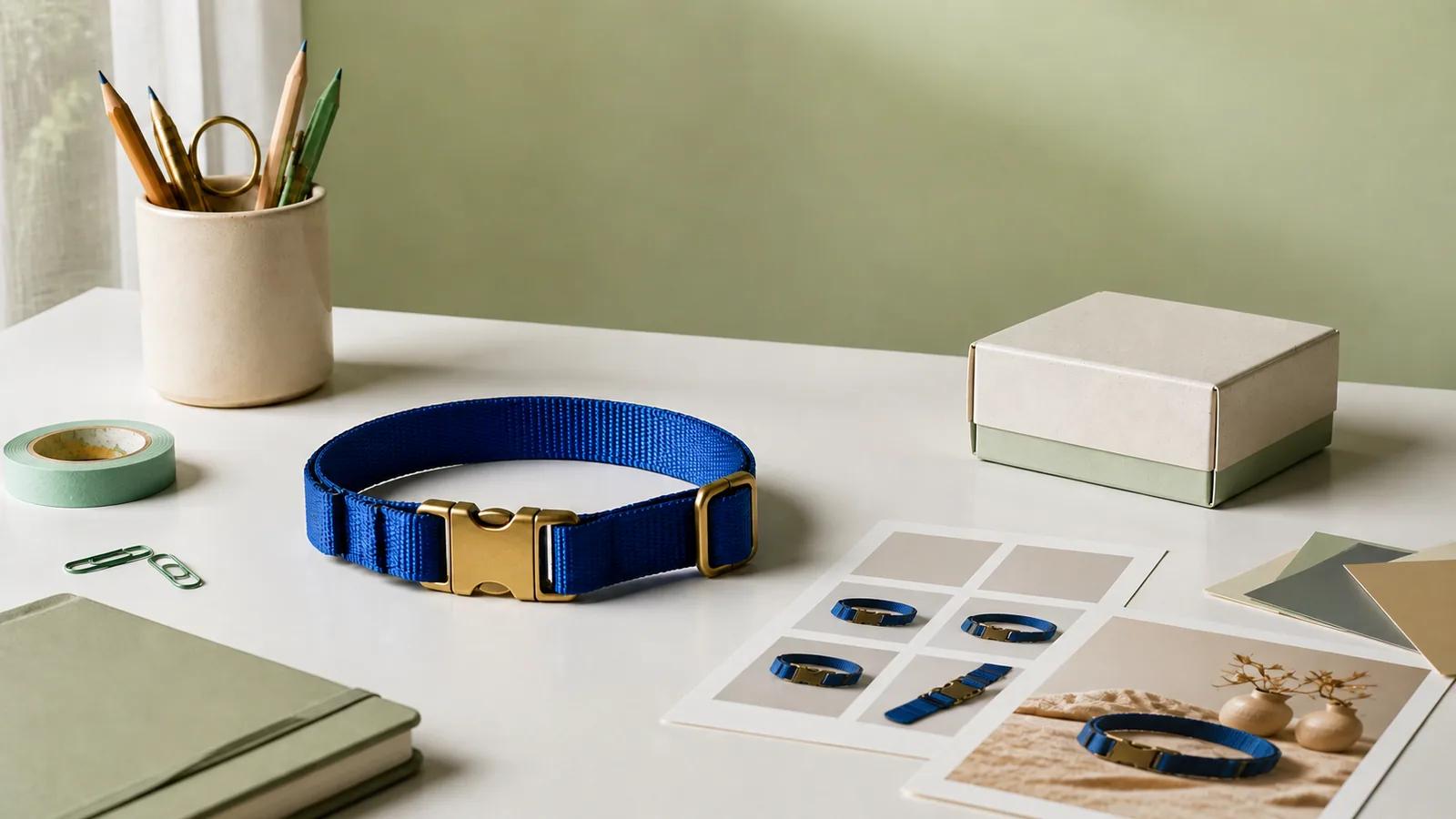
AI can turn one product page into a pile of ads before you’ve finished your coffee. This sounds useful until you look at the pile and realize it contains one idea, repeated with six backgrounds and three suspiciously similar hooks.
The hard part moved. Making the asset is fast; deciding why it deserves to exist is not.
If you run a Shopify store, measure progress by what each ad helps you learn about the product, not by the output count. That change sounds small, but it separates a creative system from an image slot machine.
This guide follows the dog-collar example in our Shopify ads walkthrough: product-page images become static concepts, product videos, UGC-style scenes, a longer story-led video, and then finished assets you can edit and publish. We’ll use the same product throughout because it makes the decisions easier to see. You can apply the process to a skincare bottle, a lamp, a travel bag, or almost anything else you sell online.
Give every creative a different job.
This workflow covers making and refining ad creative. AI cannot choose the right audience, buy media, or turn a weak offer into a strong one. Those decisions still sit around the asset, and they still shape what happens after you publish it.
Videotok Brand Kits dialog for creating a reusable brand style from references or a website URL
Your source material quietly decides the quality of the ad
Most AI-ad tutorials begin inside the generator: add a product link, select a template, write a prompt. Shopify’s own guidance on using AI for ecommerce content starts one step earlier, with product, audience, and channel inputs. That ordering matters.
An AI model cannot recover a buckle detail that never appears clearly in the source images. It cannot know whether a collar is rigid or soft, how the material catches light, or what the packaging looks like unless you show it. When the evidence is thin, the model fills gaps with things that look reasonable. “Reasonable” is exactly where product inaccuracies come from.
Build a small asset kit in which every image answers a different question:
A clean product image establishes shape, color, proportions, and silhouette.
A detail image proves the material, clasp, texture, finish, or mechanism.
An in-use image shows fit, scale, handling, or the environment around the product.
A packaging image supports an unboxing or gift angle, if that packaging really exists.
Choose the product-page photos that support the stories you want to tell.
For the dog collar, a hero shot and a close-up of the adjuster can support an ad about easy adjustment. A photo of the collar being worn can support an everyday-fit concept. A real package can support an unboxing. Without those images, the same three prompts may still produce attractive scenes, but you will spend the review wondering which parts the model invented.
Then bring the store’s visual identity into the workspace. In Videotok, a brand style can be created from references or a website URL. Check the colors, font direction, logo, and overall visual character before applying it. A brand kit should make different ads feel related without trapping every idea in the same layout.
Write the creative question before the prompt
“Make a high-converting ad” gives the model an outcome nobody can guarantee and avoids every decision that would make the creative useful.
Instead, write down the question the ad is meant to answer. For example:
Does a close view of the adjuster make this collar easier to understand than a polished lifestyle shot?
That question gives you an angle, a visual priority, and a comparison. It also tells you what must stay fixed. If the detail shot and the lifestyle shot use different prices, audiences, offers, and placements, you have not compared two hooks. You have launched two unrelated guesses.
A practical creative note can be short:
Product truth: what the product page proves and what the creative must preserve.
Angle: the reason someone might care (fit, design, convenience, material, giftability, or something else supported by the product).
Hook: the first visual or line that makes that angle legible.
Format: static image, product video, UGC-style scene, or story-led video.
Fixed decisions: product, audience, offer, destination, and any other variable you do not want this concept to change.
Notice that “format” comes late. Starting with “I need a video” often leads to motion without a reason. Starting with “I need to show how the clasp works” makes video an obvious choice.
Videotok template library separating static ads, video ads, and social and UGC formats
Four formats, four different jobs
Videotok’s template library separates static ads, product videos, motion graphics, and social or UGC formats. Those labels are useful when they help you choose how to carry an idea. They are less useful when they become a checklist.
Static ads make one proposition visible
Use a static concept when the reader should understand one thing in a glance: the product’s shape, a material detail, a visual contrast, or a clear offer. The product and the reason to notice it should arrive together.
For the collar, that might be a close, editorial composition around the brass adjuster. The background can build mood, but it should not compete with the feature. If the product becomes a small prop inside a beautiful scene, the image has changed the subject.
Product video demonstrates a change
Use product video when motion explains something a still image cannot. The clasp opens. The strap adjusts. The collar moves from a clean product view to an in-use fit shot. This is a good place for a sequence because the sequence carries information.
Motion also creates more ways to be wrong. Watch whether hardware changes shape between frames, whether the collar stretches strangely, or whether the product acquires details that do not exist. Our deeper guide to turning product images into video ads covers that branch in more detail.
UGC-style video makes ownership easier to picture
UGC-style creative works when a social moment helps the customer imagine the product in their own life: opening the package, getting a first look, adjusting it, or showing a simple routine.
The setting should support the product. A kitchen counter, hallway, or park can make the scene familiar, but the product still needs to remain visible and accurate. Review hands, proportions, fast movements, generated speech, and on-screen claims with more care than the casual style suggests. A social-native frame still needs product truth.
Story-led video earns its extra time
A longer faceless or story-led video is useful when the product needs context that a demonstration cannot carry: why a design choice exists, how the product came together, or which problem it was built to solve.
Do not turn a fifteen-second clasp demonstration into a brand film because the tool can produce more scenes. More time only helps when the story needs it.
One collar, three concepts that are actually different
It helps to make this concrete. Imagine the product page gives us four reliable assets: a clean image of a cobalt collar, a buckle close-up, a photo of it on a dog, and a shot of its real packaging.
Here are three concepts that come from the same page but do not ask the same question.
Concept one: understand the mechanism
The creative question is whether a close demonstration of the adjuster makes the product easier to understand. The hook is a macro view of the brass hardware. A static version can isolate the detail; a video version can show the adjustment in sequence.
The prompt should name the evidence and the action: show the real cobalt collar, begin close on the brass adjuster, preserve its shape and proportions, then demonstrate the strap moving through it. It should also name what must not happen. No extra hardware. No color change. No invented durability claim.
Concept two: picture everyday use
The question is whether seeing the collar in context makes fit and appearance easier to judge. The hook is not the mechanism but the moment the product is worn.
This concept needs the in-use source image. The product should remain the same collar; the environment can change to a simple outdoor or home setting that supports the audience. The creative is doing a different job from concept one, even if both end up as short videos.
Concept three: make the arrival feel considered
The question is whether packaging and first impression strengthen the product’s perceived giftability or care. The hook is opening the real package and revealing the collar. This concept only exists if the source material proves the packaging. If the box is imaginary, you are advertising a customer experience that will not arrive.
A green background and a beige background are two executions of the same concept. Mechanism, everyday use, and arrival are three different reasons to care.
Generate one honest version of each idea first
Once the questions are clear, generation becomes much less mysterious. Choose the template or reference that fits the job, attach the image that proves the product detail, and describe the scene and action in ordinary language.
Do not generate ten buckle concepts before you have seen the other branches. Make one serious attempt at each idea. Put the results next to one another. Ask which concept communicates its question most clearly, not which image has the glossiest lighting.
Only then create variants inside the promising branch.
This order protects you from a common trap: the first attractive reference quietly becomes the strategy. Every later result inherits its palette, crop, and energy, so a batch that looked diverse in the prompt field becomes visually indistinguishable on the page.
A good reference can rescue a vague composition. It can give you a more confident camera angle, clearer light, or a material world that feels considered instead of generated. Change the styling and the product question should remain intact.
Videotok video editor showing media, captions, audio, preview, aspect ratio, export settings, and scene timeline
The editor is where product truth comes back into the room
A generated asset is a draft with unusually convincing lighting. Treat it that way.
Watch a video once without pausing. Does the opening make sense? Can you tell what the creative wants you to notice? Does the sequence earn its duration? Then watch it again frame by frame, as if the customer has already bought the thing and knows exactly what it looks like.
Check the shape, color, count, hardware, material, proportions, and motion. Compare claims in captions or narration with the product page. Look for generated text hiding in the background. In UGC-style scenes, pause on hands, packaging, and quick product movements, where a plausible draft often stops being faithful.
Then work on the communication: trim a slow opening, replace an inaccurate scene, adjust the script, change the visual, refine the timing, and balance captions, voice, music, and sound. Videotok’s editor keeps the scenes, media, captions, audio, aspect ratio, and export controls in the same workspace, so the review does not have to end with whatever the first generation decided.
Editing is also where a test can accidentally disappear. If the opening hook is the variable, do not rewrite the offer halfway through one version. If the format is the variable, keep the product and angle recognizable. Polish and interpretability can move in opposite directions.
Publish a test you can learn from
The temptation is to call six generated assets an A/B test. Usually they are a scouting batch.
A first batch helps you see which creative families deserve a closer look. A controlled follow-up helps you learn why. If product video looks promising, make the next round inside that family and change one meaningful decision: the opening evidence, the angle, or the pacing. Keep the surrounding conditions as stable as your real campaign allows.
Write down the product, offer, audience, angle, hook, format, version, destination, and date. Decide which outcome matters for this test before results arrive. A short note is enough to keep you from telling yourself a neat story afterward.
The same principle appears in Shopify’s broader guide to AI in advertising: AI can assist with creating and iterating advertising work, but the business still has to decide where it helps and how it fits the campaign. The tool can increase the number of executions. It cannot decide what evidence would change your mind.
Videotok publishing panel with connected-account selection, post text, and Now or Schedule timing
From Videotok’s media view, you can select a compatible connected account, add the post text and any required title, and publish now or schedule the finished asset. Before you do, put the creative question beside the file name or in your campaign notes. That small habit is what connects production speed to the next decision.
A sensible first sprint for one Shopify product
For the collar, a useful first sprint could contain two static concepts built around different product truths, two product videos that share an angle but open on different evidence, and one UGC-style unboxing if the packaging supports it. Add a longer story-led piece only when there is a real story the shorter formats cannot explain.
Treat it as a quick map of the creative territory you have evidence to explore.
If every format struggles to explain the adjuster, return to the asset kit. If the mechanism concept is clear but uninteresting, test another angle. If the in-use scene communicates immediately, explore its hooks before producing more packaging videos. The next generation should follow from something you learned, not from unused credits or an empty content calendar.