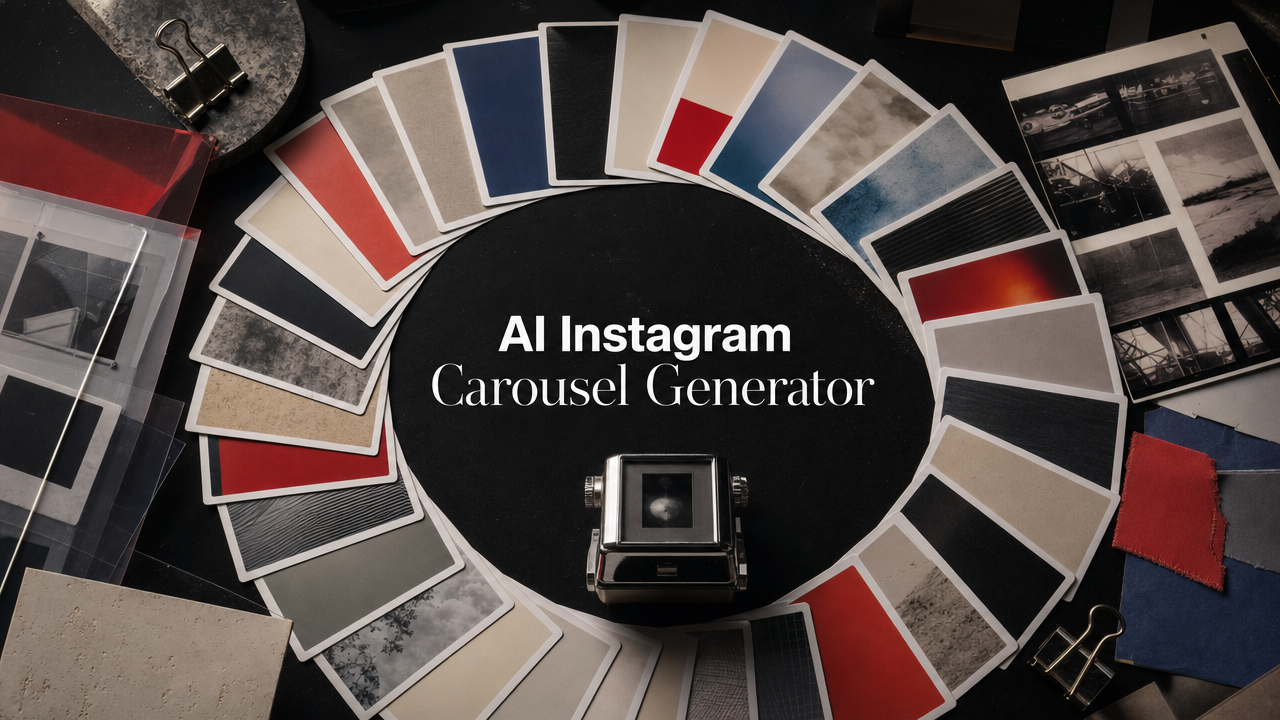
An AI Instagram carousel generator is useful only if it does more than produce ten pretty slides. For a brand team, the real job is turning one idea into a swipeable post that has a hook, a visual rhythm, a reason to save, and enough consistency to sit inside the rest of the feed. That is harder than it looks.
The format is strong because it slows the viewer down. Hootsuite notes that Instagram carousels can include up to 20 photos or videos, while Metricool's 2026 Instagram study says carousels get far more saves than single-image posts. But most AI carousel workflows still break at the same point: they generate slides, then leave the team to rewrite the hook, rebuild the design, check the format, export files, and publish by hand.
This guide expands the Videotok walkthrough below into a practical workflow for social media managers, creative strategists, and ecommerce teams. You will see how to move from one prompt to an editable Instagram slideshow, when to add references, how to review the sequence, and where Videotok fits when you want the carousel to become part of a repeatable content system.
Watch the Videotok walkthrough
The source video shows a simple workflow: start with a prompt, choose slideshow formats and references, generate editable concepts, refine the result in the editor, then prepare it for social publishing. Use it as the visual companion to this article, not as a replacement for the production checklist below.
AI jewelry ads workflow for ecommerce teams to turn product photos into polished ad variants, test hooks, protect detail, and publish faster with Videotok.
AI jewelry ads workflow for ecommerce teams to turn product photos into polished ad variants, test hooks, protect detail, and publish faster with Videotok.
Why carousels still matter in 2026
Carousels win because they create multiple moments of attention inside one post. A single image has one hook. A carousel can open with a claim, build proof across slides, show the product, answer an objection, and finish with a clean action. Hootsuite's Instagram carousel guide is useful for the format basics.
That makes the format especially useful for education, product storytelling, founder-led posts, launch narratives, before-and-after sequences, and paid-social concept testing. It also makes the format dangerous when the slides are generated without structure. Ten disconnected visuals are not a carousel. They are a folder.
For brand teams, the better question is not "can AI make slides?" It is "can AI help us make a post that deserves a swipe?" If your first slide is the bottleneck, use a dedicated AI hook workflow before generating the full set.
That means the carousel needs three layers:
A content arc: hook, context, proof, product moment, takeaway.
A visual system: references, brand colors, aspect ratio, spacing, and slide rhythm.
A publishing system: caption, account, timing, and follow-up creative variants.
Videotok is built around that broader system. It is not just an image generator; it connects scripts, hooks, visual references, slideshow creation, media editing, captions, and social publishing into one workflow. If your team already uses separate tools for planning, design, editing, and posting, the carousel becomes a good place to consolidate the process. The same idea can also become a short video through image to video.
Start with a prompt that behaves like a creative brief
Most weak AI carousels start with a weak prompt. "Make a carousel about our product" gives the model no audience, no tension, no proof, and no taste. The first prompt should read like a mini creative brief.
Use this structure:
Audience: who the post is for.
Problem: what they are trying to solve.
Angle: the opinion or promise of the post.
Proof: product detail, example, data point, or customer situation.
Format: educational carousel, product teardown, checklist, myth-busting, launch post, or tutorial.
Tone: editorial, direct, premium, playful, founder-led, or tactical.
For example:
"Create an 8-slide Instagram carousel for ecommerce founders who need more ad creative but do not have a design team. The angle is that one product photo can become a week of social concepts if you plan the hook, proof, and CTA first. Use a premium editorial style, short slide copy, and a practical ending."
That prompt gives the AI a job, not just a topic. It also makes the review easier because every slide can be judged against the brief.
If the carousel needs a stronger opening, draft the first three hooks separately before generating the slideshow. A good hook is usually the difference between a carousel that gets saved and one that looks designed but does nothing. For more examples, see Videotok's guide to AI video hooks that perform.
Use references without copying the reference
References are where AI carousel generation becomes useful for professionals. A reference can define the visual pace, framing, typography mood, color logic, or product aesthetic. But it should never be treated as a design to copy.
The safe rule is simple: borrow the logic, not the identity.
Borrow:
The amount of negative space.
The balance between image and blank areas.
The rhythm between dense and quiet slides.
The mood of the palette.
The kind of camera or collage language.
Do not borrow:
A recognizable layout from a creator.
Brand marks, product photos, or signatures.
Distinctive illustrations or characters.
Exact type treatments.
Watermarked or copyrighted visual material.
In Videotok, references work best when you pair them with a brand kit or product context. A fashion brand might use flash-lit campaign stills and tactile paper textures. A SaaS brand might use sharp editorial diagrams and product proof cards. A real estate team might use property references, neighborhood details, and clean listing-style frames. Start with trends research when the carousel needs a sharper cultural angle.
Editorial production board with a whiteboard overlay showing the Hook, Proof, Product, and CTA carousel arc.
The point is not to make every post look identical. The point is to create a recognizable range, so the feed feels intentional even when the team is generating more volume.
Build the carousel as a sequence, not a stack of slides
A strong Instagram slideshow has a sequence. Each slide should make the next one feel necessary.
Use this eight-slide structure when you need a reliable starting point:
1
Hook: a clear problem, contradiction, or promise.
1
Stakes: why the problem matters now.
1
Pattern: what most teams do wrong.
1
Reframe: the better way to think about it.
1
Proof: example, product detail, before-and-after, or data.
1
Workflow: the steps to apply it.
1
Save-worthy takeaway: checklist, rule, or mental model.
1
CTA: comment, save, try, compare, or build the next post.
For AI-generated carousels, the review should focus less on individual slide beauty and more on movement. Does slide two reward the hook? Does slide four change the reader's mind? Does slide seven give them something worth saving? If not, regenerate the sequence before polishing the design.
This is where a workflow like Videotok helps. You can generate the initial slideshow, edit the result, adjust the visual direction, and connect the post to the rest of your creative system. For product-heavy posts, you can also move from a carousel idea into UGC-style variants so the same concept has more than one format.
Match the format to the platform before publishing
Instagram carousel formatting is not just a design preference. If the dimensions are wrong, slides crop badly, text becomes hard to read, and the grid preview can cut the idea in half. Hootsuite's 2026 image-size guide still points teams toward 1080-pixel-wide Instagram assets, with carousel images commonly planned around 1080 x 1350 for a vertical feed presence.
Before publishing, check five things:
The first slide works as a standalone hook.
Every slide is readable on a phone.
No important element sits near the crop edge.
The caption adds context instead of repeating every slide.
The post has a clear next action.
Then decide how the carousel fits the calendar. A product launch carousel might publish before a video ad. A tutorial carousel might follow a Reel that earned comments. A proof carousel might support a paid creative test. A founder opinion carousel might become the source for a short video script.
Editorial publishing desk with a whiteboard overlay showing the Create, Review, Schedule, and Learn publishing loop.
This is why the carousel should not live in isolation. Use Videotok to connect the same idea to hooks, scripts, UGC videos, product video ads, and publishing. One good carousel angle can become a small creative campaign if the system keeps the reference, message, and output organized. For a broader planning layer, use the AI content calendar workflow.
A simple review checklist for AI-generated carousels
Before you publish an AI-generated Instagram slideshow, run this review:
Does the first slide create enough curiosity to swipe?
Can the reader understand the post without reading the caption first?
Is each slide doing a different job?
Is the brand visible through style and product context, not just a logo?
Are the visuals consistent without feeling templated?
Is the final slide specific enough to drive action?
Can this idea become a video, ad, or follow-up carousel?
The last question matters. The best AI carousel generator is not the one that makes a single nice post. It is the one that helps the team build a repeatable creative loop.
If a carousel performs, turn the winning hook into a video opener. Turn the strongest slide into a static ad. Turn the objections in the comments into the next post. That is how AI moves from content production to creative learning. Videotok's AI creative testing workflow explains how to make that loop more systematic.
Where Videotok fits
Videotok is strongest when the team wants the carousel to be part of a broader AI creative workflow. You can start with an idea, use AI agents to generate scripts and captions, create slideshow-style posts, work from references and brand context, edit the output, and publish through connected social workflows. If the carousel needs spoken or video variants, start with the script generator.
That makes it useful for teams that need more than a downloadable template. A social media manager can create a carousel from a campaign theme. A performance marketer can turn the same angle into video ad variants. An ecommerce team can build product education from one hero image. A founder can turn a point of view into a repeatable content lane.
The practical benefit is speed with taste. You are not replacing creative direction. You are removing the blank page, the manual formatting, and the tool-switching around it.
Start with one carousel brief. Generate the first version. Rewrite the hook. Tighten the sequence. Publish the post. Then turn the strongest slide into the next creative test.
That is the real promise of an AI Instagram carousel generator for brand teams: not more posts for the sake of volume, but a faster way to turn one idea into a polished, testable social asset.
AI jewelry ads workflow for ecommerce teams to turn product photos into polished ad variants, test hooks, protect detail, and publish faster with Videotok.