According to Grand View Research, the global digital avatar market is expected to reach $270.61 billion by 2030, growing at a staggering 49.8% CAGR. Meanwhile, MarketsandMarkets projects the AI avatar segment alone will grow from $0.80 billion to $5.93 billion by 2032.
This explosive growth isn't surprising. Wyzowl's 2026 State of Video Marketing report found that 63% of video marketers now use AI tools for creation or editing up from 51% the year before while Bloomberg estimates the broader generative AI market will reach $1.3 trillion by 2032.
But creating high-quality, realistic AI avatars has traditionally been a complex and time-consuming process requiring technical expertise and expensive software. That's changing rapidly with new tools that make photorealistic avatar creation accessible to everyone.
In this guide, we'll explore how to create stunning AI avatars using Videotok.app and walk you through step-by-step processes, best practices, and how these avatars can enhance your digital presence.
Avatars are digital representations of people, characters, or mascots created with artificial intelligence or other technologies.
You probably remember the days when generating an AI avatar was a gamble. Sometimes you had to cross your fingers and hope not to see a hand with six fingers.
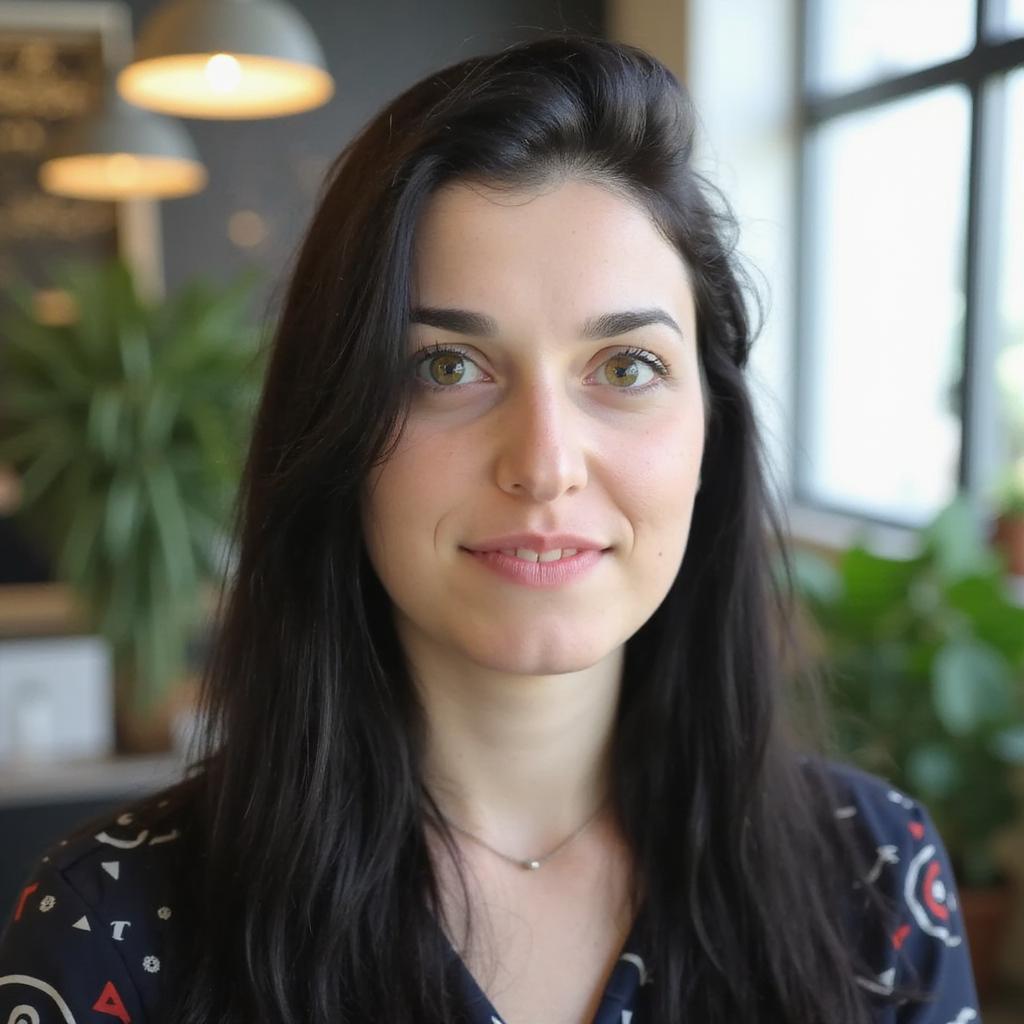
Today, things have completely changed. Artificial intelligence can now create avatars with perfectly human-like features. The percentage of people who can tell they're looking at an avatar rather than a real person has dropped exponentially in recent months.
Videotok.app AI Avatars library with custom avatars in multiple poses for beauty, corporate, lifestyle, and education use cases
Of course, the final result depends on the tools and workflow you use. At Videotok, we've spent months developing the best automated workflow for avatar creation.
We tested a wide range of combinations to achieve the perfect balance between lip-sync, images, background scenes, and movement variety using our high-quality generation model. But let's take a closer look at how to create avatars with Videotok.
The technology behind AI avatars has evolved dramatically over the past few years. What began as simple cartoon-like representations has transformed into photorealistic digital humans that can mimic subtle facial expressions, speak in natural voices, and even simulate emotions.
Types of AI avatars
Typically, when we talk about avatars, we think of reproductions of real people. But the concept goes much further. Avatars can be:
people, but also
characters (like the M&M's) or
mascots (like football team mascots).
Behind this variety of types, there's also a variety of techniques, such as:
2D static avatars: Profile pictures or illustrations generated from photos commonly used for social media profiles and simple branding.
3D animated avatars: Three-dimensional characters capable of movement, gestures, and facial expressions widely used in gaming, metaverse environments, and virtual events.
Photorealistic avatars: Ultra-realistic digital humans that closely resemble actual people — ideal for UGC ads, corporate videos, and e-learning content.
Cartoon and stylized avatars: Characters with artistic, anime, or cartoon-like aesthetics — popular for explainer videos, children's content, and brand mascots (think M&M's or Duolingo's owl).
Digital twins: Precise digital replicas of a specific real person, trained on their likeness, voice, and mannerisms — used by creators and executives to scale their personal brand without being on camera.
Full-body motion avatars: AI-driven characters that replicate body movements in real time or from reference videos — used in advertising, music videos, and immersive storytelling.
Voice-cloned avatars: Avatars paired with an AI-generated clone of a real person's voice, enabling content in multiple languages while maintaining the original speaker's tone and cadence.
Photorealistic avatars represent the cutting edge of this technology. These avatars are nearly indistinguishable from real humans and can be animated to speak, gesture, and interact naturally. They're created using advanced deep learning models trained on thousands of human images and videos.
Why photorealistic AI avatars matter
For businesses, photorealistic avatars aren't just a cost-saving shortcut: they're opening doors that traditional video production simply can't.
Think about it:
a real estate agency can create a virtual agent that walks buyers through property listings in five languages without flying anyone anywhere.
a SaaS startup can produce 50 ad variations in a single afternoon, each with a different hook and avatar, and let the data decide which one wins.
an e-commerce brand can generate personalized product demos for every SKU in their catalog something that would take months with a traditional production crew.
Here's where avatars are making the biggest impact:
Scalable ad creative: Generate dozens of UGC-style ads with different avatars, scripts and hooks, then A/B test at a pace that was previously impossible
Multilingual content from day one: Launch in 30+ markets with the same spokesperson speaking each language natively, no dubbing, no subtitles
Always-on customer education: Create onboarding videos, FAQ walkthroughs, and product tutorials that never go out of date just regenerate with updated information
Internal training at scale: Produce consistent training content across global teams without scheduling a single filming session
Personal branding without the camera: Founders and creators who dislike being on camera or simply don't have time can still build a recognizable video presence
For creators, the shift is equally powerful. You're no longer limited by your filming schedule, your location, or your budget. A solo creator can now produce a volume and quality of video content that used to require a full production team.
But perhaps the most underrated use case? Speed to market. When a trend breaks on TikTok or a competitor launches a campaign, you can have a response video live within minutes — not days. In a world where timing is everything, that's a genuine competitive advantage.
Process to create photorealistic avatars
If you want a complete guide on how to create AI avatars, check out this article where we covered the topic in depth.
When it comes to creating photorealistic AI avatars, we need to take it step by step. Let's see how.
Imagine we need to create an avatar for a gym brand ad campaign.
Step 1: define your avatar's characteristics
Defining your character's traits is the first step toward a coherent narrative. Let's say these are the characteristics we want to recreate.
Characteristics:
East Asian woman, mid-20s
Purple/lavender wavy hair, shoulder-length
Slim, athletic build
Light skin, natural makeup with subtle glow
Small gold hoop earrings
Confident, approachable expression with a slight smile
Step 2: create the Avatar
Now, let's open our Videotok account:
Select "AI Avatars" on the left side of the screen
Then click "Create new avatar"
Videotok.app Create new avatar modal choose between Generate from description or Upload image
At this point, you can choose between two options: create an avatar from a text description or from an uploaded image.
In this case, we'll generate the avatar from a prompt. So let's write our avatar description based on the characteristics we defined in step one.
Prompt:
Young East Asian woman in her mid-20s with shoulder-length wavy lavender purple hair, slim athletic build, light skin, natural minimal makeup, small gold hoop earrings, subtle confident smile, looking slightly toward camera, clean neutral background, studio lighting, photorealistic, portrait shot from waist up.
If instead of creating a full avatar, you simply want to generate an image, just head to the "Media" section.
If instead of creating a full avatar, you simply want to generate an image, just head to the "Media" section and:
select “text to image”
select the model (in this case Nano Babana Pro)
choose the number of variation you want to crete
choose the aspect ratio
choose a style (if you have created one)
create the image
Videotok.app model selector with Nano Banana Pro selected Google's latest image generation model, alongside Imagen4 Ultra, Flux 2 Max, Midjourney v7, and GPT Image 1.5
Here's the result using the avatar generation through the "AI Avatars" section. Videotok typically creates four variations so you can get a better overview and choose the best version of your avatar.
Three AI-generated avatar variations of a young East Asian woman with lavender hair, white top, and beige pants shown in different poses and angles
Step 3: edit the Avatar
For our fitness brand example, let's say we want to modify the avatar to place her in a workout setting and have her promote a product. Here's the result:
AI-generated gym girl avatar in three rooftop workout poses with city skyline at dusk
Step 4: create a video with the avatar
On Videotok, creating a video is as simple as creating an image. If you want to create a video with multiple scenes, I'd recommend reading the article linked above.
Now let me show you how to create a first version of the video by simply selecting the avatar and entering a super simple prompt like this:
She is promoting the shaker in her hand, saying it's the best one in the world — people need to buy it.
Videotok.app video preview of the Gym Girl Ad AI avatar promoting a shaker bottle, generated with Vidu Q3 model from a simple text prompt
As you can see, it's really that simple. In just a couple of seconds, you've got a video ad ready to publish.
Whats next
In this article, I've shared some quick tips to help you create avatars in record time.
Using the automated workflow or Videotok's professional editor, you can achieve even more impressive and stunning results.
I hope you found this useful — and if you want to share your avatar creation results or ask questions about specific use cases, connect with us on LinkedIn or X
______
FAQ on how to create avatars
How do I create a photorealistic AI avatar for UGC ads?
To create a photorealistic AI avatar for UGC ads, start by defining your character's traits (age, appearance, clothing, expression). Then use a platform like Videotok.app to generate the avatar from a text prompt or an uploaded image. Once created, you can place the avatar in different settings, add a script, and generate a video ad all without filming a single frame.
Can AI avatars replace real creators in UGC ads?
AI avatars can effectively replicate the look and feel of traditional UGC ads at a fraction of the cost and time. While they won't fully replace human creators for every use case, they're ideal for A/B testing ad variations at scale, launching multilingual campaigns, and producing always-on content. Many successful startups like Base44 and Replit already use AI avatars in their YouTube ad campaigns.
What's the difference between a stock avatar and a custom AI avatar for advertising?
Stock avatars are pre-made and shared across platforms, meaning your audience may see the same face on competing brands. A custom AI avatar is unique to your brand — you define the appearance, style, and setting. This ensures visual consistency and differentiation across all your UGC ads and marketing content.
How long does it take to create an AI avatar and turn it into a video ad?
With tools like Videotok.app, creating a custom AI avatar takes just a few minutes. You can generate multiple pose variations, edit the avatar's background or appearance with a simple text prompt, and produce a complete video ad — all in under 10 minutes. The platform handles lip-sync, voice, and movement automatically.
Are AI avatars effective for UGC ad campaigns?
Yes. AI-generated UGC ads are already being used by leading brands and startups to scale their advertising. Avatars allow you to produce dozens of ad variations with different hooks, scripts, and spokespersons then test performance and optimize in real time. Combined with multilingual capabilities and instant production, AI avatars make UGC ad campaigns faster, cheaper, and more scalable than ever.