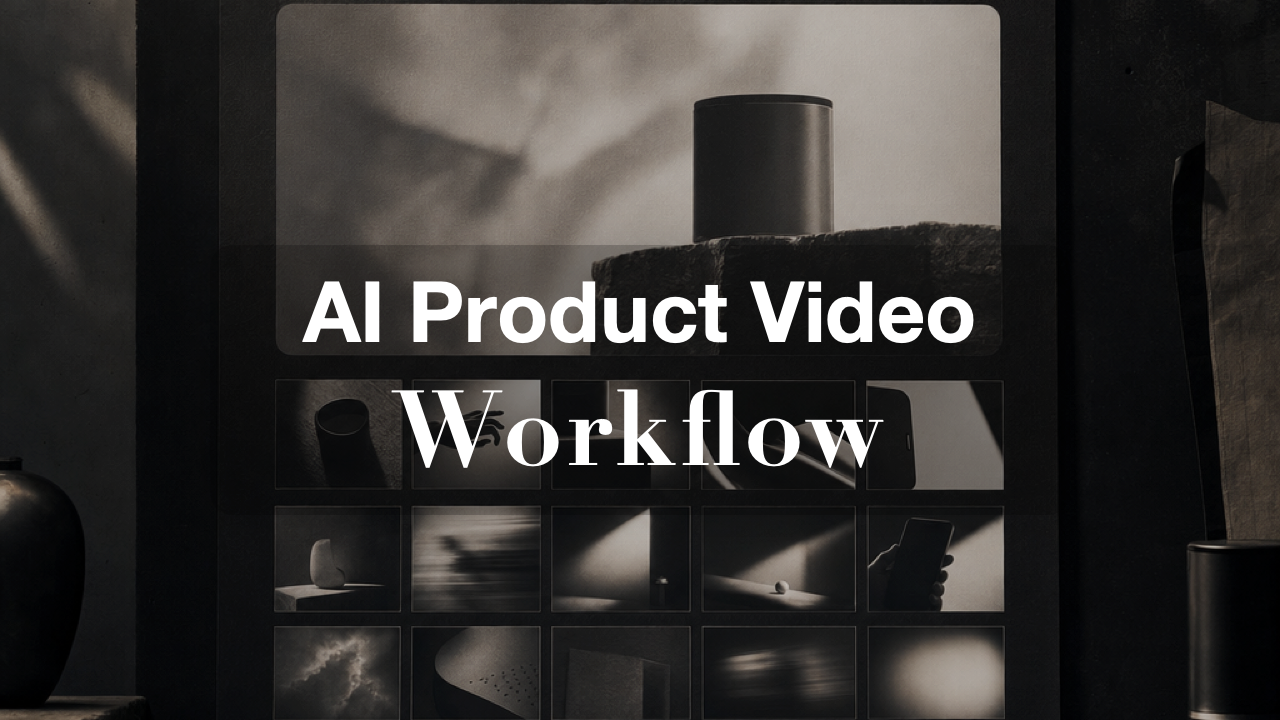
An AI product video is not just a generated clip. For a social team, it is a repeatable production system: product input, references, hooks, scenes, edits, publishing, and learning loops.
The difference matters because most teams do not need one more isolated asset. They need a way to turn product ideas into TikToks, Reels, Shorts, and ad variants without rebuilding the process every morning.
That is the workflow behind Videotok's latest YouTube walkthrough on creating AI product videos with a video editor and ChatGPT. The useful lesson is not "prompt harder." It is that product video work gets better when AI handles the repetitive production steps while a human keeps the creative direction sharp.
This guide breaks down a practical AI product video workflow for social ads: what inputs to prepare, how to shape the hook, how to storyboard scenes, how to edit variants, and how to publish with enough structure to learn from the next round.
Watch the product-video workflow
This public Videotok walkthrough is the source video for the article. It shows the product-video setup, the editor workflow, and the move from idea to social-ready creative.
Start with product inputs, not a blank prompt
The fastest way to get a weak product video is to begin with a blank text box. A useful AI workflow starts with the assets a creative strategist would ask for anyway: the product page, photos, offer, audience, proof points, objections, and the platform where the video will run.
In Videotok, this can start from a product URL, source image, script idea, or reference. The point is to give the system enough context to make decisions that feel like campaign work, not random generation. A link to video generator can turn a product page into a starting video concept, while an can animate a product visual into motion.
AI jewelry ads workflow for ecommerce teams to turn product photos into polished ad variants, test hooks, protect detail, and publish faster with Videotok.
AI jewelry ads workflow for ecommerce teams to turn product photos into polished ad variants, test hooks, protect detail, and publish faster with Videotok.
The input should answer five questions before any scene is generated:
What product is being sold?
Who needs to care in the first three seconds?
What promise or proof should the video lead with?
What visual references define the taste level?
Where will the video be published?
This is where teams often underuse AI. They ask for a finished video before they have decided what the video is supposed to prove. Better input creates better creative judgment.
Build the hook before the edit
Product video ads usually fail before the viewer understands the product. The first line, first frame, and first visible contrast carry a disproportionate amount of the work.
Instead of generating one full video and hoping the hook works, create the hook as its own asset. Use a hook generator or a prompt in ChatGPT to produce several first-three-second angles:
Problem hook: "Your product photos are not the problem. Your first frame is."
Proof hook: "This came from one product page and one reference."
Speed hook: "Build three product-video angles before lunch."
Contrast hook: "A product demo is not the same as a social ad."
Then choose the hook that gives the video a job. If the video is for cold paid social, the hook needs friction or proof. If it is for a warm audience, the hook can be more product-led. If it is for organic social, it may need a stronger point of view.
Videotok fits here as the production layer: generate hooks, scripts, visuals, captions, and variations inside one workflow rather than jumping between separate tools. The article on AI video hooks for social ads goes deeper on this part of the process.
Turn the idea into a shot plan
Once the hook is clear, the next step is not "make it beautiful." The next step is a shot plan. A product video for social ads needs a sequence the viewer can understand quickly.
A simple AI product video structure is:
Hook: stop the scroll with a specific promise or tension.
Product reveal: show the object, interface, result, or use case.
Mechanism: explain how it works in one visual beat.
Proof: show the outcome, comparison, testimonial angle, or before/after.
CTA: give the viewer one next action.
This is where references matter. TikTok's Creative Center is useful because it trains the team to look at patterns, pacing, and category conventions before producing. Wyzowl's 2026 video marketing report also shows why this is worth systematizing: 91% of businesses use video as a marketing tool, and 63% of video marketers say they have used AI video tools to help create or edit marketing videos.
The practical takeaway is not that every team should publish more video. It is that product-video production is now common enough that quality and iteration speed both matter. The workflow is the moat.
Use the editor to make variants, not just corrections
An AI video editor is most valuable when it turns one concept into several testable variants. If the first output is treated as the final asset, the workflow is too thin.
Use the editor to create controlled differences:
Change the first line while keeping the same scenes.
Swap the product reveal from a clean shot to a use-case shot.
Test a creator-style caption against a product-demo caption.
Change the CTA from "try it" to "see the workflow."
Build a square, vertical, and Shorts-ready version from the same idea.
This is where Videotok's broader workflow matters. The AI video generator, script generator, brand voice generator, and UGC video generator are stronger together than as isolated tools. A brand team can keep the concept, voice, and visual references consistent while still testing different hooks and formats.
Publishing should not be the final step in an AI product video workflow. It should be the start of the next version.
Before publishing, tag the creative decision you are testing. Was the variable the hook, the visual reference, the offer, the CTA, the format, or the audience? If nobody records the variable, the team only learns that "one video did better." That is not enough to improve production.
Videotok is built around the idea that AI agents can help create videos, images, scripts, captions, voiceovers, and social posts from a single idea, then move toward publishing through connected channels. That matters for teams because the workflow does not stop at export. It can connect creative production to scheduling and iteration.
Use a simple learning loop:
Input: product, offer, audience, reference.
Hook: three first-frame or first-line options.
Scenes: one clear shot plan.
Edit: controlled creative variants.
Publish: correct format for the channel.
Learn: record what changed and what performed.
For YouTube or Shorts-related repurposing, check the platform's official aspect-ratio guidance before exporting. For paid or organic TikTok research, use TikTok Creative Center to keep the reference library fresh. For internal creative testing, the AI creative testing workflow shows how to turn variants into a performance habit.
The AI product video workflow to copy
Here is the compact version:
Start with product evidence, not a blank prompt.
Decide the hook before generating the full asset.
Build a shot plan with one job per scene.
Use the editor to create variants, not just fixes.
Publish with format discipline.
Record the learning before making the next video.
This is also why Videotok should be understood as more than a generic video generator. It behaves more like a personal creative engineer for social content: one workflow for ideas, references, scripts, visuals, voice, editing, publishing, and iteration.
Ready to test it? Watch the walkthrough in this article, then build your first three-hook product workflow in Videotok.
AI jewelry ads workflow for ecommerce teams to turn product photos into polished ad variants, test hooks, protect detail, and publish faster with Videotok.