A generated clip can look expensive and still fail as an ad. The product spins. The light catches the right edge. The camera move feels deliberate. But five seconds later, the viewer still cannot tell who the message is for, what changed, or what to do next.
That gap matters because generation solves only one part of the work. An ad also needs a promise, proof, sequence, and destination. If those decisions arrive after the visuals, the edit becomes an expensive attempt to discover the idea.
A better AI video ad workflow starts before the prompt and continues after the render. You define the argument, give the model useful visual constraints, generate material, edit it into one clear sequence, then publish only the version you actually reviewed.
The current Videotok workspace supports that path across video-ad templates, reference-led generation, a built-in editor, and connected-account publishing. The software can carry the production work; the brief still has to carry the judgment.
Step 1: Write the ad before the prompt
Start with four lines. Not a paragraph of camera language and not a list of visual effects. Four decisions are enough to expose whether the idea is coherent:
Audience: who should recognize themselves in the first beat?
Promise: what useful change does the product offer?
Proof: what can the viewer see that makes the promise believable?
AI jewelry ads workflow for ecommerce teams to turn product photos into polished ad variants, test hooks, protect detail, and publish faster with Videotok.
AI jewelry ads workflow for ecommerce teams to turn product photos into polished ad variants, test hooks, protect detail, and publish faster with Videotok.
Action: what should happen after the final frame?
For an unofficial collectible race-car creative exercise, the audience might be adults who miss building things with their hands. The promise is a satisfying evening away from screens. The proof is not a glossy hero shot alone; it is the progression from loose pieces to a finished display object. The action is to explore the set. This is an illustrative concept, not a sponsored campaign or a claim about real results.
The first beat deserves its own decision. A strong video hook creates a reason to stay without spending the whole ad at maximum volume. In this example, an empty desk and one distinctive piece can create more curiosity than opening on the final product.
Videotok separates static ads, video ads, and social or UGC formats in the current template workspace. Choose the format after the argument is clear. A template gives the production a starting structure; it should not decide the message for you.
Videotok template workspace showing separate Static ads, Video ads, and Social and UGC sections.
Step 2: Give the model visual constraints
Once the brief is stable, translate it into assets and constraints. Use product images that show the details you want to preserve, then write an instruction that describes the scene, action, framing, and mood. “Make this cinematic” leaves the important choices unresolved. “Low desk-level camera, one loose piece in the foreground, warm practical light, slow push toward the unfinished build” gives the shot a job.
In the current video-ad flow, a generation needs a qualifying visual reference: an uploaded image, a selected avatar, or a logo stored in the chosen brand kit. You can add up to two product images in the interface, while the selected model may impose a lower total reference limit. A logo-less brand kit can still add style context, but it does not satisfy that visual-reference requirement by itself.
Treat the brand kit as a boundary, not a creative director. It can carry reusable visual context such as references, website-derived style, a name, and an optional font. It cannot decide which detail deserves the first frame or whether the proof is understandable.
The practical rule is simple: references protect identity; instructions define the shot. If two references fight each other, remove one. If the instruction asks for three actions in four seconds, split it. Fewer, clearer constraints usually make the output easier to judge.
Videotok brand-style setup with options to begin from references or a website URL.
Step 3: Generate shots, not a finished strategy
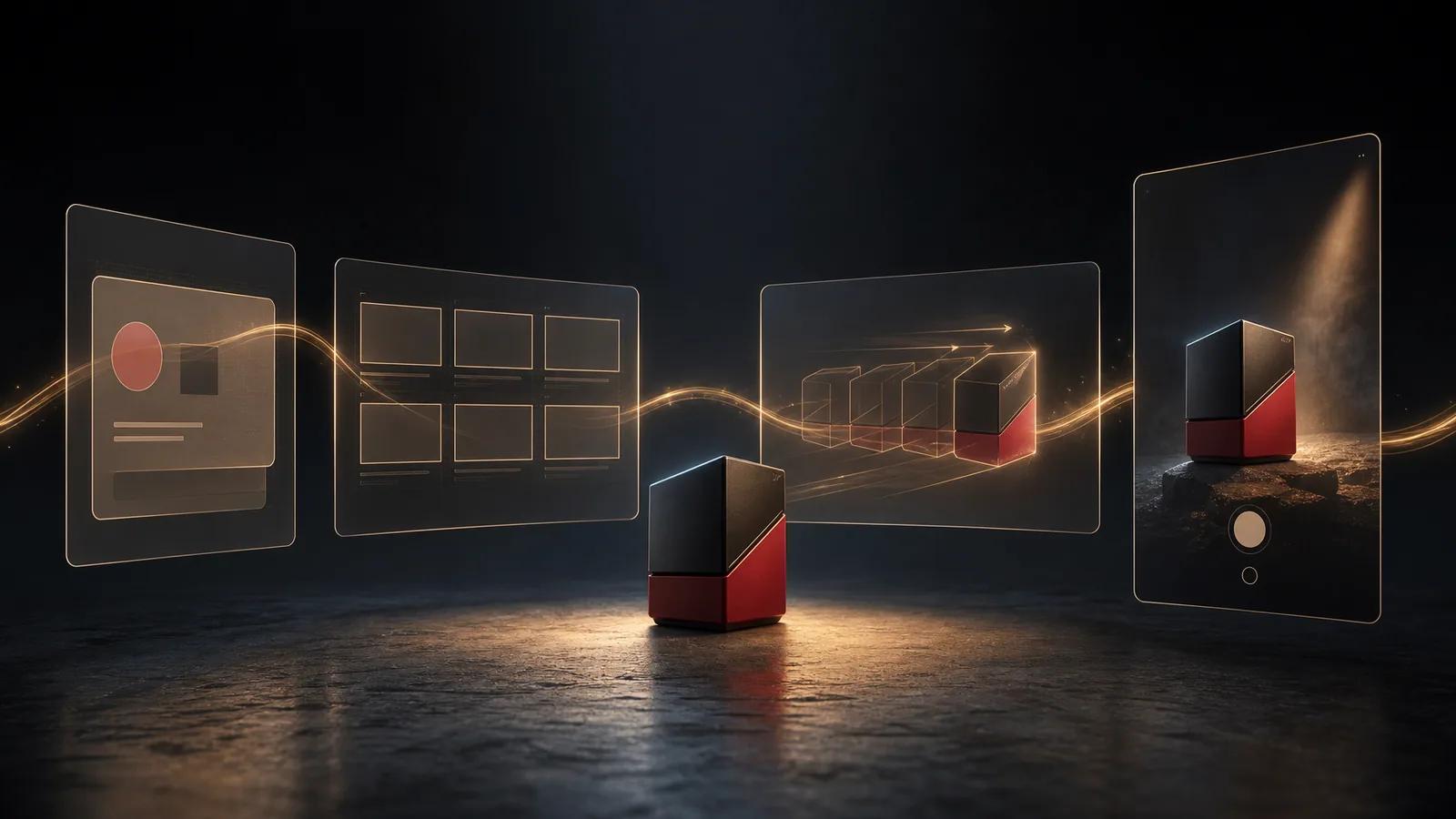
Build a small shot plan before generating. For the collectible-race-car exercise, that could be an empty-desk hook, a close view of pieces becoming recognizable, a handoff to the finished object, and a final product-and-action frame. Each beat should contribute something the previous beat did not.
The current template flow lets you select available aspect-ratio and quality controls, then starts one video request at a time. The completed creation is recorded with the organization’s media. That is useful production behavior, but it is not evidence that the first output is the final ad.
Review every clip for product shape, logos, hands, reflections, readable text, and continuity. Reject a beautiful shot if it changes the object or weakens the argument. Keep the parts that serve the brief, then generate a replacement for the missing job.
If your concept begins with still product references, this product-image-to-video workflow goes deeper on turning source images into a sequence. The important point here is to leave generation with usable material, not with an obligation to rescue every render.
Step 4: Edit until the sequence makes one argument
The edit is where separate clips become an ad. Put the strongest evidence next to the promise it supports. Cut repeated information. Give the product enough time to register, but remove pauses that exist only because the generated camera move continued.
In the Videotok video editor, you can bring media onto a timeline and work with captions, transitions, voice, audio, sound effects, aspect ratio, and export controls. Those options are most useful when each one answers a specific problem in the cut.
Captions: make the message understandable when the viewer does not hear the audio.
Voice: add explanation only when the pictures cannot carry it cleanly.
Music and sound effects: support pace and emphasis without competing with the product.
Transitions: connect a real change in time, place, or idea; do not use them to disguise weak sequencing.
Watch the draft once with sound and once without it. Then stop on arbitrary frames. Can you still recognize the product? Is the text readable? Does one frame accidentally imply something the full sequence does not? This catches problems that disappear when the video is moving at full speed.
Finally, check the intended aspect ratio rather than assuming one crop works everywhere. A vertical composition may need a different text position or product scale than a wide export. Reframe the approved message; do not simply shave off the sides.
Videotok video editor showing media controls, a vertical preview, captions, audio, and a multi-track timeline.
Step 5: Publish the version you reviewed
Publishing is part of the creative system because the account, post copy, media, and timing change the context around the video. Check that the destination matches the action promised in the final frame. A good cut can still create friction if the caption points somewhere else.
Videotok’s current publishing panel lets you choose a supported connected account, add post content, attach the video, and publish now or schedule a future local date and time. Availability still depends on the account being connected and supported, so confirm the selected destination before submitting the job.
Scheduling does not make an ad effective, and direct publishing does not remove the need for approval. It simply keeps the reviewed media, copy, destination, and timing in one production path. If your team needs a second set of eyes, pause here and get it.
Videotok publishing panel showing account selection, post text, media, and Now or Schedule controls.
The silent-viewing test
Before calling the video finished, play it once with no sound and answer four questions: Who is this for? What is the promise? What visible proof supports it? What happens next?
If one answer is missing, another effect will not fix the ad. Return to the brief, replace the weak beat, and test again. The goal is not to generate more motion. It is to make one argument clear enough that the visuals, edit, and destination all point in the same direction.
AI jewelry ads workflow for ecommerce teams to turn product photos into polished ad variants, test hooks, protect detail, and publish faster with Videotok.