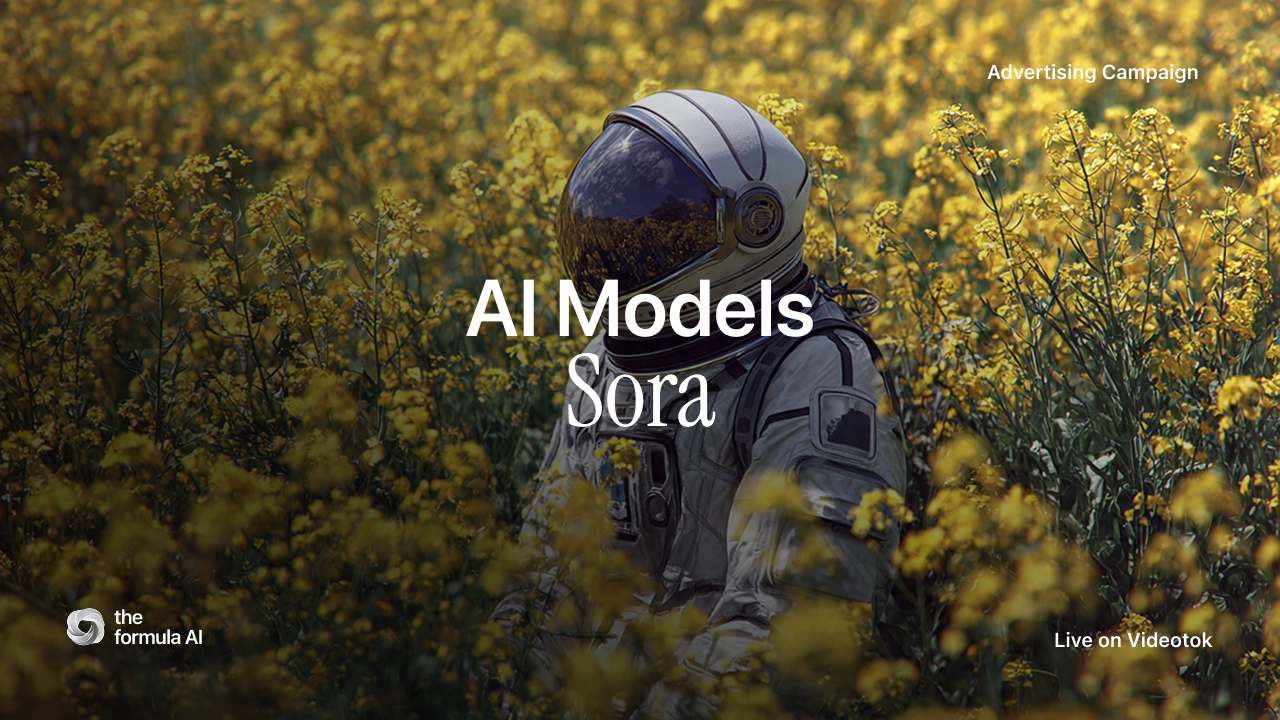
How to use Sora is no longer a novelty question. For creative teams, the real question is where Sora belongs in a production system: which clips deserve a high-fidelity model, how much control you can expect from a prompt, and when a faster social workflow will beat a prettier one-off render. Sora 2 made the answer more practical because it supports stronger motion, audio, image references, extensions, and API workflows. But it still behaves like a generative video model, not a human editor reading your mind. This guide gives you the working version for 2026. You will learn how to choose Sora settings, write prompts that behave like creative briefs, use references without over-controlling the result, avoid the failure modes that waste credits, and connect Sora-style clips to a repeatable Videotok workflow for ads, Reels, Shorts, and campaign testing.
The quick answer in 2026
Use Sora when you need cinematic motion, scene continuity, and fast visual exploration from text or image references. OpenAI’s Sora video generation guide describes Sora as a model for creating, extending, editing, and downloading generated videos, with Sora 2 for faster exploration and Sora 2 Pro for higher-fidelity output.
That distinction matters for social creative. A performance team rarely needs one perfect sixty-second film first. It needs ten short angles, three hooks, two visual styles, and a quick read on which concept earns attention. Start with short clips, validate the idea, then spend more time on the version that has a clear job.
Think of Sora as the shot generator inside a larger system. It can produce the visual beat. Your workflow still needs the strategy: the audience, offer, hook, claim, landing-page promise, brand style, approval step, edit, caption, schedule, and learning loop.
Choose the model, size, and duration before you prompt
The most common Sora mistake is trying to solve settings in prose. If you write “make it longer” or “higher resolution” inside the prompt, you are asking the wrong part of the system. Resolution, duration, model, and reference assets are container choices. Prompting controls the shot inside that container.
Sora 2 versus Sora 2 Pro
Use Sora 2 when you are still exploring. It is the better fit for rough concepts, social variations, pitch directions, and early creative tests where speed matters more than polish. Use Sora 2 Pro when you already know the shot is worth refining and you need stronger detail, stability, or a higher-resolution export.
For most ads, the economical workflow is simple: test in the smaller, faster format, then upscale the winning direction with stricter prompting and cleaner source assets. Do not start every idea at the most expensive setting.
Short clips are easier to control
Shorter clips usually follow instructions better. A four-second shot with one camera move and one visible action is easier to control than a longer scene with several beats, props, cuts, and dialogue. If the concept needs a sequence, create separate clips and assemble them in the editor instead of forcing one long generation to do everything.
Use image references when the subject matters
If the product, character, room, or visual identity matters, give Sora a reference instead of relying only on description. A reference image can anchor composition, wardrobe, object shape, palette, and product context. It will not guarantee perfect logos, exact text, or flawless brand marks, but it reduces drift and gives the model less room to invent.
Write the prompt like a creative brief
The official Sora 2 prompting guide frames prompting like briefing a cinematographer. That is the right mental model. A weak prompt names a vibe. A strong prompt names the shot, subject, action, setting, camera, light, motion, and constraint.
Use this structure before you generate: shot type, subject, action, environment, camera movement, lighting, palette, duration beat, and what must not change. Keep the visible action specific. “The bottle rotates once as condensation catches a hard side light” is more useful than “make a beautiful product ad.”
A practical Sora prompt pattern
Close product shot of a matte black skincare bottle on wet slate. The camera pushes in slowly from a 35mm lens position. One water droplet slides down the label edge. Cool morning light from camera left, soft shadow on the right, no readable text, no extra props, premium beauty campaign mood.
That prompt works because every phrase changes something visible. It gives Sora a subject, motion, camera, light, texture, and boundary. If you need brand accuracy, pair it with a clean product image and keep the motion simple.
Sora-style animated commercial scene showing why prompt structure and reference control matter
Prompt one creative decision at a time
When a generation is close but not right, resist rewriting everything. Change one variable: lens, movement, lighting, palette, subject action, or composition. If you rewrite the whole prompt, you lose the ability to learn what improved the shot. Treat each render like a creative test, not a slot machine.
Turn Sora outputs into a social workflow
Sora can create a strong clip, but a brand needs a repeatable system around it. In Videotok, the stronger workflow starts before generation: write the hook and script with a clear promise, then apply brand voice and visual rules so each clip belongs to the same campaign. For script structure, use a script generator as the brief layer, not as filler copy.
For product teams, the bridge is often image to video. Start with a controlled still, then animate one clean motion for the ad beat. Videotok’s image-to-video workflow is useful when you want the product shot, reference, format, and social output to stay connected. If you need the full process, read the guide to turning static images into AI videos.
The professional version is not “generate a Sora video and post it.” It is: define the hook, generate the clip, edit the first three seconds, package it for the channel, publish, and compare performance. Videotok’s AI video agent workflow and AI video hooks guide are better companions for that job than another isolated prompt list.
Use Sora for the visual beat, not the whole campaign
A good social ad still needs structure: problem, proof, product context, offer, and next action. Sora can help with the visual proof or cinematic moment. Videotok can help organize the production layer around it: references, scripts, brand consistency, editing, scheduling, and publishing. That is the difference between a nice render and a content system.
Know the limits before you spend the credits
Sora 2 has improved realism, motion, audio, and remix-style workflows, but it still has rules and failure modes. Microsoft’s Sora 2 overview also highlights responsible AI protections and supported modalities. Check the current policy before using real likenesses, public figures, copyrighted characters, trademarked assets, or regulated claims.
For commercial work, the practical limitations are more mundane: exact logos can drift, product labels may distort, hands and object interactions can still fail, and long continuous scenes are harder to control. If the viewer must read a label, verify a medical claim, identify a real person, or compare exact product details, do not leave that to generation alone.
When should you not use Sora?
Do not use Sora as the first choice for exact product typography, legal claims, real-person testimonials, complex UI demos, or assets where every logo and package detail must be correct. Use product screenshots, edited footage, or a controlled avatar/UGC workflow instead.
Can Sora create ads?
Yes, but the best use case is not a finished ad from one prompt. Use it to create the visual scene, concept trailer, animated product moment, background plate, or short variant. Then edit the hook, caption, voice, format, and CTA around the channel where the ad will run.
Is Sora better than other AI video models?
Sometimes. Sora is strong when the shot benefits from cinematic motion, scene logic, and creative exploration. Other models may be better for speed, specific aspect ratios, avatar control, photoreal product motion, or lower-cost iteration. Choose the model by job, not by hype.
How do I get better Sora results?
Start with one shot, one action, one camera move, and one clear visual constraint. Use references when identity matters. Generate variations deliberately. Keep notes on what changed. The team that learns from ten controlled tests will beat the team that writes one giant prompt and hopes.
Sora is useful when it is treated as one instrument in the creative stack. The winning workflow is still strategic: decide the hook, control the brand system, generate short clips, edit for the platform, publish, and learn from performance. Need to turn Sora-style ideas into a repeatable content engine? Build the next workflow in Videotok.